Getting started with Settings
A map of every settings area in Orbit, grouped the way the Settings page groups them, with a link to the guide for each one.
Settings is where you set up how your store runs: store details, payments, shipping, taxes, domains, your team and your plan. From your Orbit dashboard, go to Settings. The page lists every settings area in groups. Click a tile to open it.
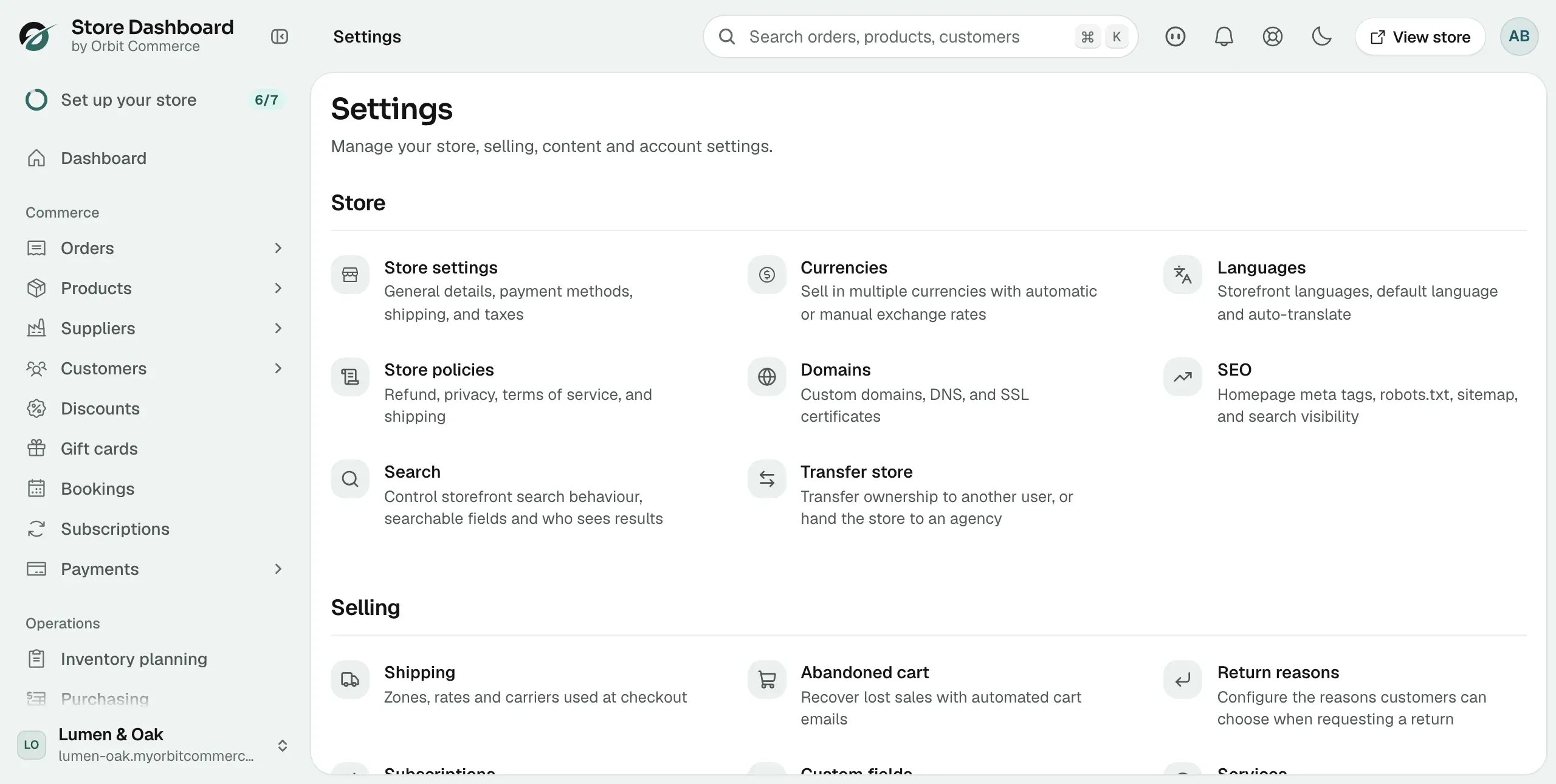
Store
Store settings holds your name, address, timezone, units and order numbering, plus tabs for payments, shipping and taxes.
- Setting up your store details
- Setting units, timezone and locale
- Setting up order numbering
- Selling in multiple currencies
- Writing your store policies
- Setting up your domain
- Setting up SEO for your store
- Controlling storefront search
- Transferring your store to a new owner or an agency
- Closing your store
Selling
How you take payment, ship, charge tax and handle checkout, returns and abandoned carts.
- Setting up payment methods
- Setting up shipping zones and rates
- Connecting carriers and testing rates
- Setting up taxes
- Handling tax overrides and exemptions
- Customising your checkout
- Customising checkout and adding tracking
- Setting up abandoned cart recovery
- Setting your return window and return reasons
- Adding custom fields
- Setting your service hours
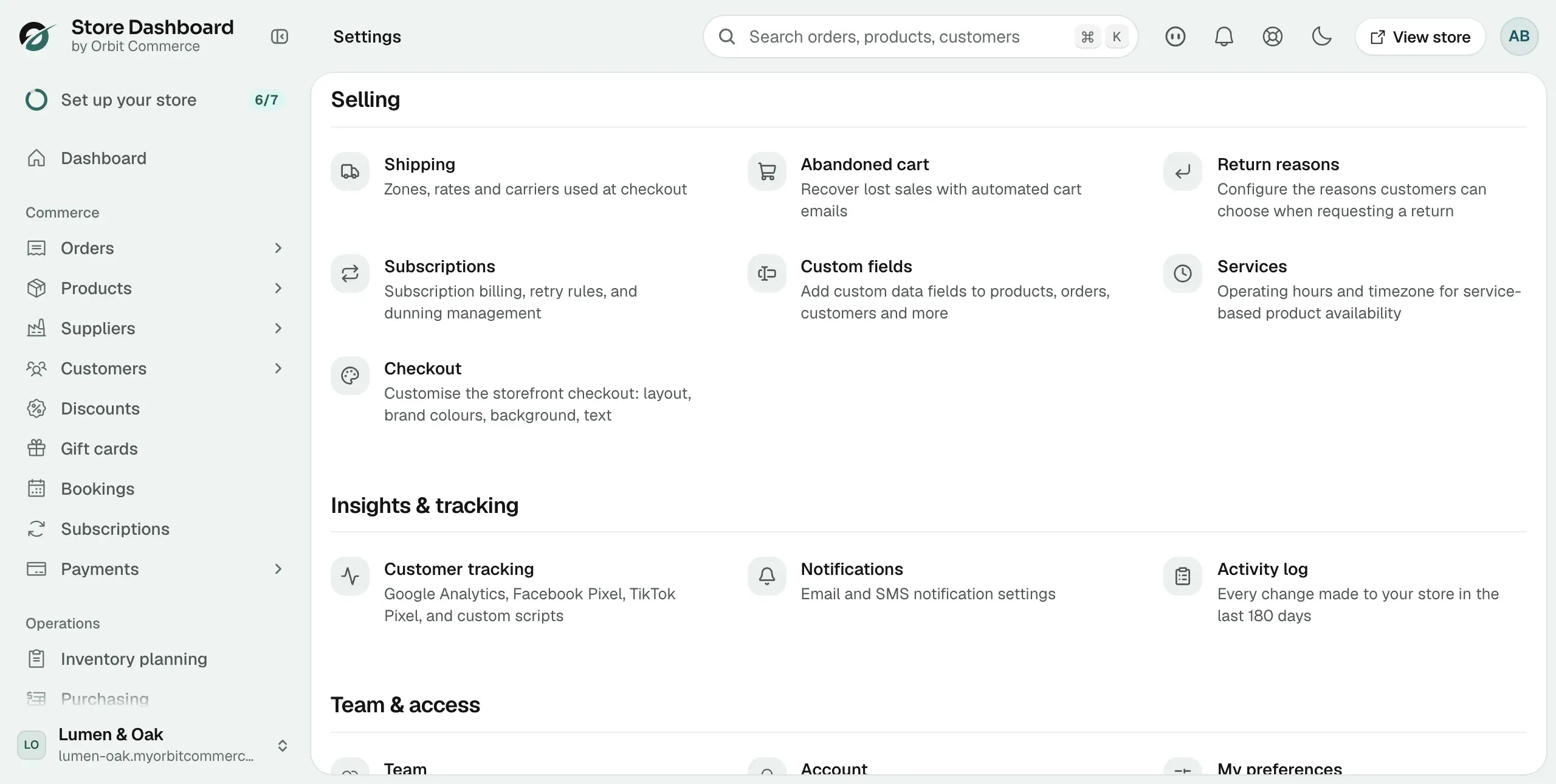
Insights and tracking
The emails and texts your store sends, tracking scripts, and the log of every change made to your store.
- Setting up email and SMS notifications
- Editing your customer email templates
- Using the email template editor
- Securing your account and checking the activity log
Team and access
Who can sign in, what they can do, and your own account.
- Inviting and managing team members
- Setting what a team member can do
- Managing your account and preferences
- Setting up two-factor authentication and passkeys
Plan
Your Orbit plan, billing, AI usage and referral rewards.
Was this helpful?
0 people found this helpful