Setting units, timezone and locale
Set your store timezone and weight and dimension units on the General tab of Store Settings, and pick your own dashboard language and formats.
Your store's timezone and measurement units live on the General tab of Store Settings. Your own language and date, time and number formats live under My preferences. Set them once when you set up your store, so weights, dates and reports read correctly from the start.
Considerations
- Timezone and units apply to the whole store. Language and formats under My preferences are personal to you. They do not change the storefront or anyone else's dashboard.
- Changing the unit system later does not convert figures you have already saved. A weight entered in kilograms would then read as pounds.
- Changing the timezone after launch shifts report boundaries and scheduled publishing with it.
Set your store timezone
- From your Orbit dashboard, go to Settings, then Store Settings. The page opens on the General tab.
- Under Store Timezone, type your city in Search timezones... to shorten the list, then click your timezone. The line below reads Currently set to: followed by your choice.
- A bar reading Unsaved changes appears. Click Save. The message Settings saved appears.
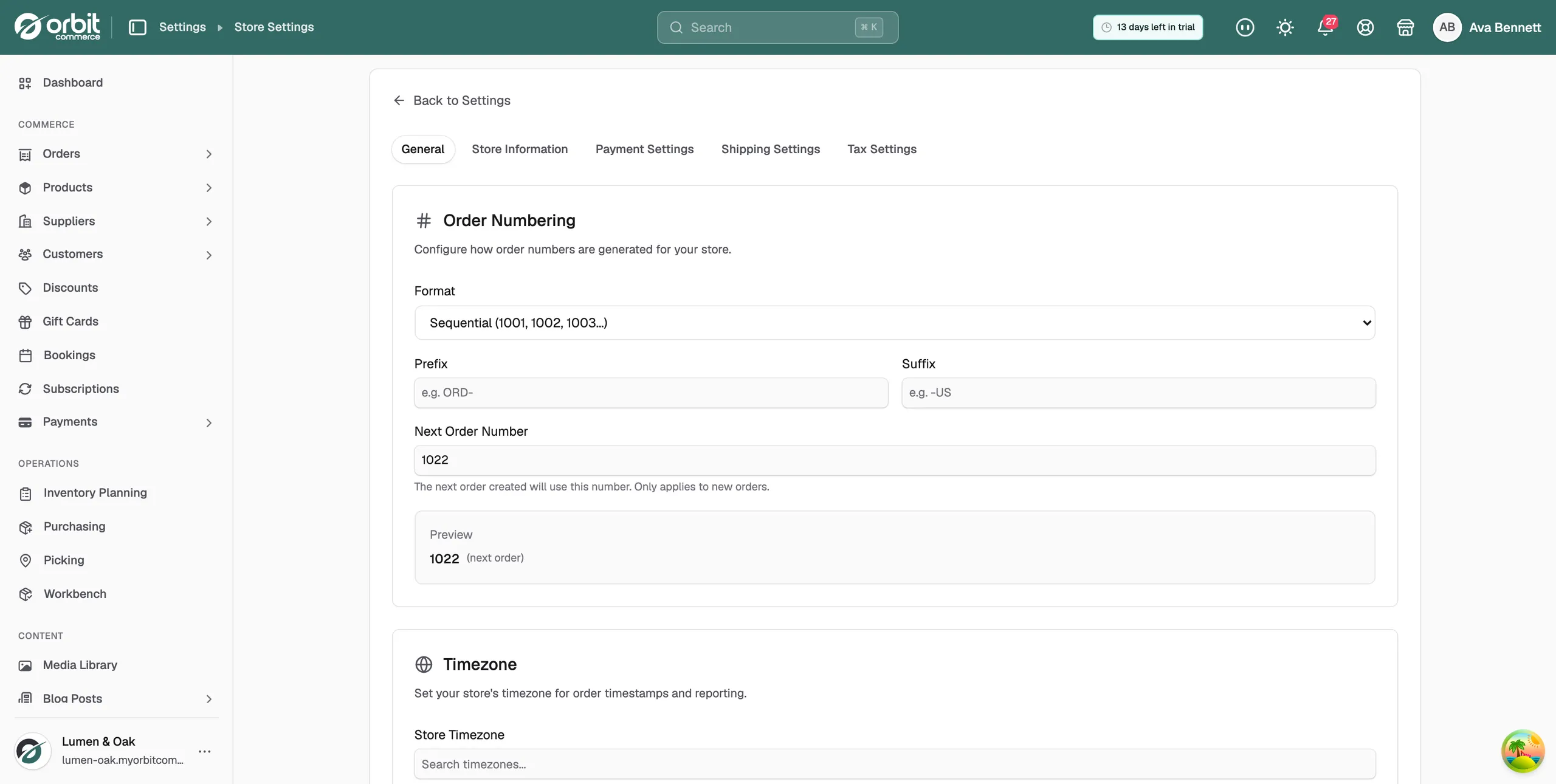
The store timezone sets the clock your store runs on. Order timestamps, the day boundaries in your reports, scheduled sales and publish times all follow it, not each visitor's own clock. Choose the place your business trades from, not where your web host is.
Set your units of measurement
- On the General tab, under Units of Measurement, choose Metric system or Imperial system.
- Check Weight Unit and Dimension Unit. They change to match the system you picked.
- Click Save.
These units are the defaults when you add product weights and dimensions. Shipping rates that work by weight assume them too, so typing pounds into a kilogram field gives wrong shipping quotes. The choices are:
- Weight Unit: Grams (g), Kilograms (kg), Pounds (lb) or Ounces (oz).
- Dimension Unit: Centimeters (cm), Meters (m), Inches (in) or Feet (ft).
Tip: If every weight in your store looks wrong at once, check this setting before you re-enter a hundred product weights.
Choose your language and formats
- From your Orbit dashboard, go to Settings, then My preferences.
- Click the Regional & Format tab.
- Choose your Language. The dashboard switches to it for you only.
- Set your Date Format, Time Format (12-hour or 24-hour) and Number Format. You can also set a personal Timezone here.
- Click Save Changes.
Each team member picks their own language and formats. The storefront your customers see is not affected.
Related guides
Was this helpful?
0 people found this helpful