Referring a friend to Orbit
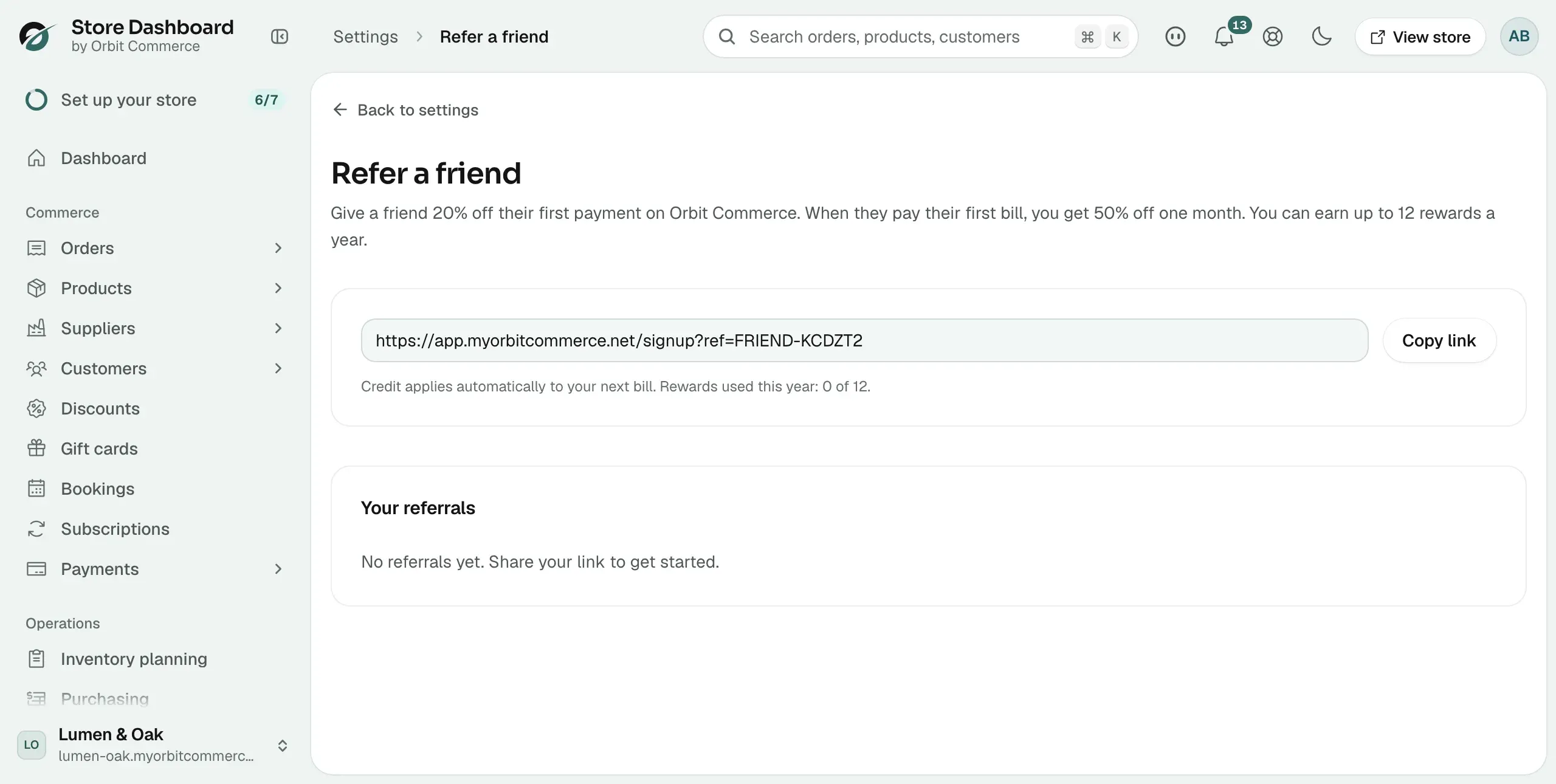
Share your referral link, give a friend 20% off their first payment, and earn 50% off a month on your own bill, up to 12 times a year.
Refer a friend gives you money off your Orbit bill when someone you recommend signs up. You share a link. When they pay their first bill, you both get a discount. Your link and your referral history are on the Refer a friend page in Settings.
How the rewards work
- They get: 20% off their first payment on Orbit Commerce.
- You get: 50% off one month. The credit applies automatically to your next bill when they pay their first one.
- Limit: up to 12 rewards a year. The page shows how many you have used, for example Rewards used this year: 3 of 12.
Share your referral link
- From your Orbit dashboard, go to Settings.
- Under Plan, click Refer a friend.
- Click Copy link. The message Link copied appears.
- Paste the link anywhere you like: an email, a social post, your newsletter.
Track your referrals
The Your referrals table lists everyone who signed up through your link. Until someone does, it reads No referrals yet.
- Store: the store they created.
- Signed up: the date they joined.
- Status: where they are. Signed up means no payment yet. Converted means they paid their first bill. Credit earned means your reward is on your next bill. Converted (yearly cap reached) means they paid, but you had already earned 12 rewards this year.
- Reward: the credit you earned from that referral.
Related guides
Was this helpful?
0 people found this helpful