Managing your storefront
A map of the Storefront section in Orbit, with a link to the guide for themes, pages, templates, menus, search, redirects, SEO and store settings, plus the small built-in shop features.
Storefront is where you control how your online shop looks and reads. From your Orbit dashboard, go to Storefront. The menu under it holds Themes, Pages, Templates, Navigation, URL Redirects and Preferences.
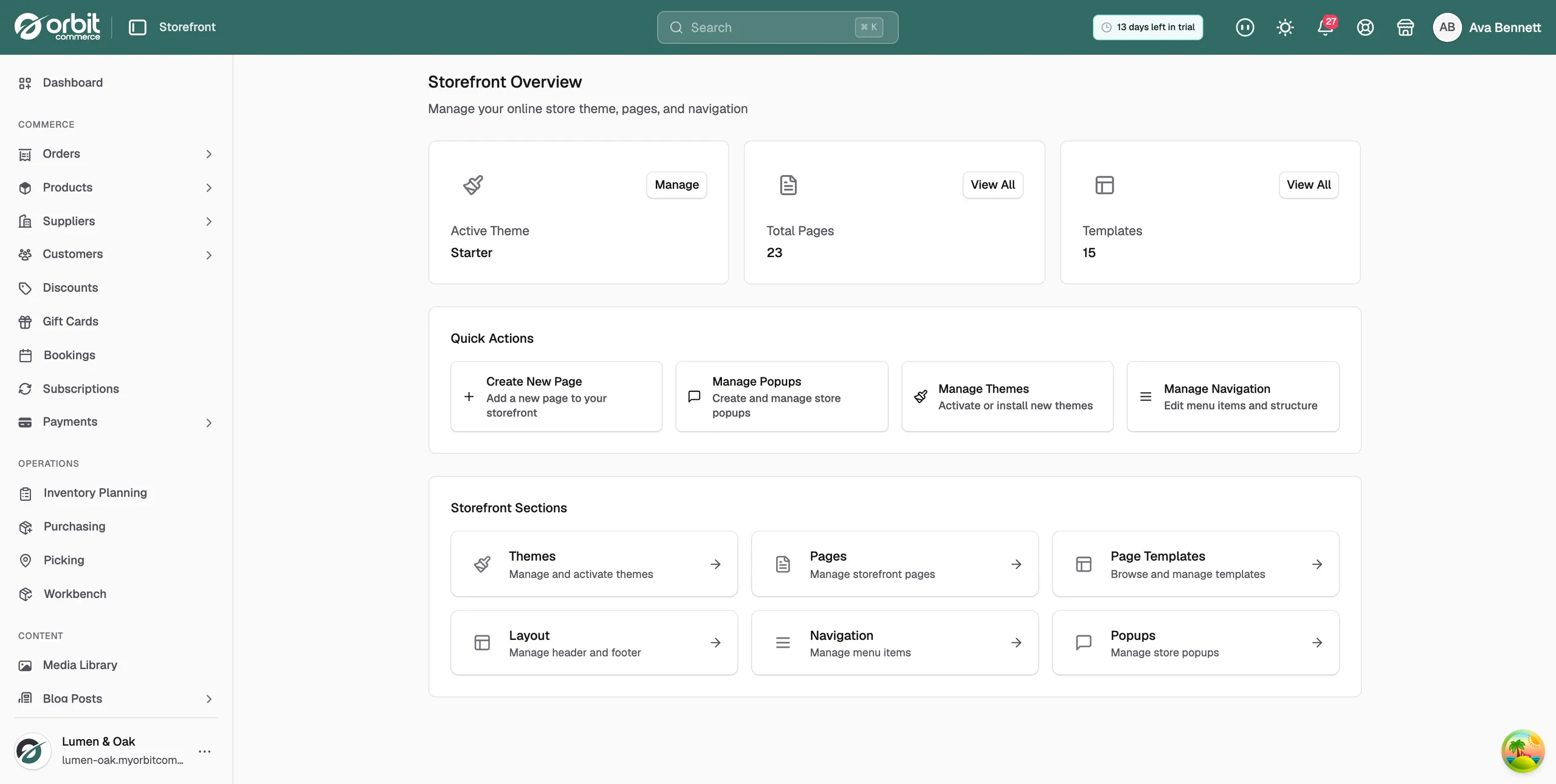
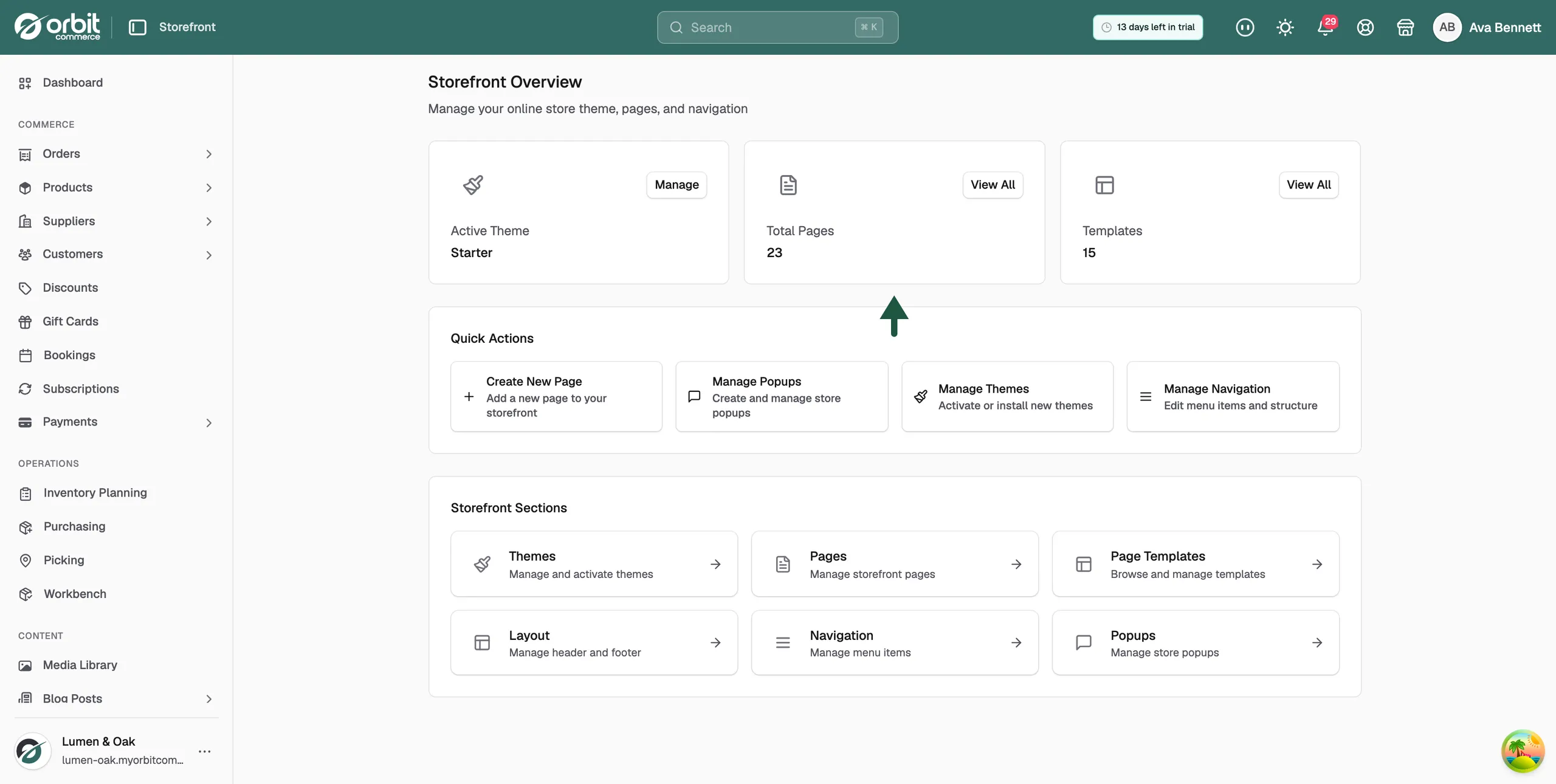
The Storefront Overview page
Clicking Storefront itself opens Storefront Overview. Three cards at the top show your Active Theme, Total Pages and Templates, each with a Manage or View All button. Under them, Quick Actions holds Create New Page, Manage Popups, Manage Themes and Manage Navigation. The Storefront Sections grid links to Themes, Pages, Templates, Navigation and Popups.
Your theme
- Choosing and activating a theme: see your active theme, switch to another, and read the page speed panel.
- Installing and activating a theme: find a theme in the Theme Store, install or buy it, and put it live.
Pages and templates
- Creating and publishing pages: build pages such as About or Contact.
- Managing page templates: the layouts behind your built-in pages.
- Building a custom header and footer: the parts that show on every page.
- Creating a popup: a small window over your shop, such as a signup offer.
Helping shoppers get around
- Building your navigation menus: your menus and their drop-downs.
- Understanding storefront search: what customers get when they search your shop.
- Redirecting an old URL to a new one: keep old links working.
Search engines and sharing
- Setting SEO titles and descriptions per page: what search results show for each page.
- Adding a favicon and social sharing image: your browser tab icon and your link preview.
Settings and compliance
- Setting your storefront preferences: homepage SEO, password protection and spam protection.
- Setting up your cookie consent banner: the banner, its wording and its cookie categories.
- Setting up age verification: an age check before visitors reach your shop.
Small storefront features your customers will notice
Your shop has some smaller features that customers meet as they browse and buy. Most of them work on their own.
- Cart notes: your customer can type a note or an order reference on the cart page, and it arrives with the order in your dashboard. It shows only if your cart page has the cart notes element, which you add in the page builder.
- Reorder: from a past order in their account, your customer can put the same items back in the cart in one step. Anything out of stock or no longer sold is left out, and they are told which items were skipped.
- Quick view: your customer can open a product from a product list in a small window, choose a size or colour, and add it to the cart without leaving the list. A link takes them to the full product page.
- Sticky add to cart: on a product page, a bar slides up from the bottom once the main button scrolls out of view. It carries the same price and button, so it reads Add to cart, Buy now, Subscribe or Book now to match the product, and Out of stock when there is none left.
- Recently viewed: a row headed Recently viewed shows the last products your customer looked at, up to eight. It is kept on their own device, so it stays hidden until they have browsed.
- Postcode address autofill: when your customer types a full UK postcode at checkout, the county fills itself. It fills the county, not the street address, and leaves the field as it is when no match is found.
- Free shipping progress bar: the cart shows how much more your customer needs to spend to get free shipping, and reads You've unlocked free shipping! once they reach it. It appears only when you set a free shipping threshold in your cart settings, where you can also change the wording.
Need help?
If you have a question about any of this, email support@orbitcommerce.net.
Was this helpful?
0 people found this helpful