Working with suppliers
Find suppliers, connect to them, and import their products. Every suppliers guide in one place, from connecting to pricing, syncing and purchase orders.
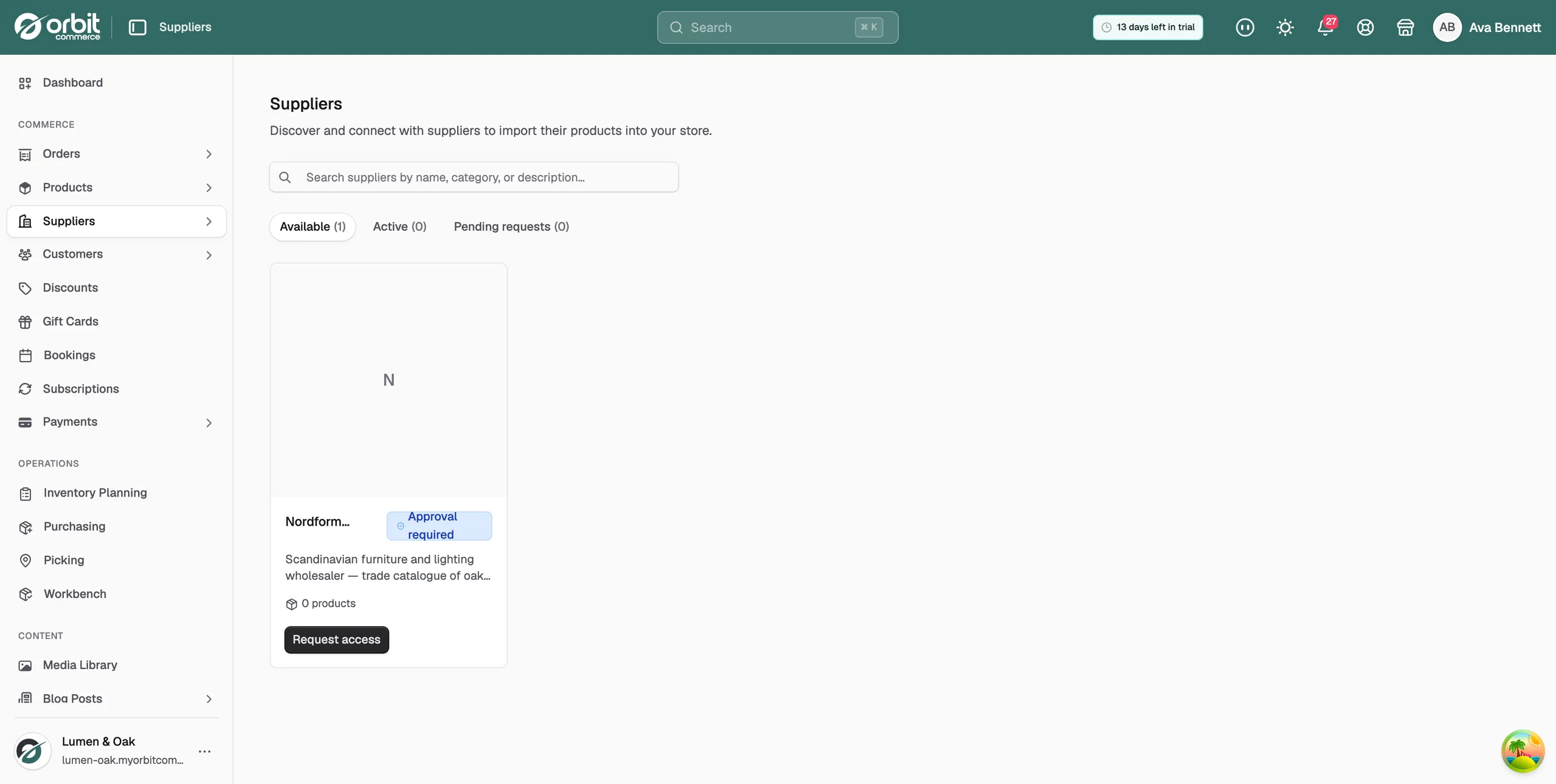
Suppliers is where you find third-party suppliers, connect to them, and bring their products into your store. Orbit then keeps the details you choose in step with the supplier, so you can sell a wider range without holding the stock yourself. You find it all on the Suppliers page in your Orbit dashboard.
New to this? Start with Connecting to a supplier. It covers the supplier directory, the three access modes, and how to reach your connection settings afterwards.
Getting started
- Connecting to a supplier: browse the directory, read a supplier profile, and connect or ask for access.
- Importing products from a supplier: pick products out of their catalogue, one at a time or in bulk.
Keeping your catalogue in step
- Controlling what stays in sync with a supplier: choose which fields the supplier can change, and what happens without your approval.
- Mapping supplier brands and categories: send their brands and categories to the ones you use on your storefront.
- Reviewing supplier updates: work through the banner on the Suppliers page and accept or dismiss new products and changes.
Pricing and ordering
- Setting up pricing rules for a supplier: turn their cost prices into your selling prices with a blanket markup or targeted rules.
- Ordering stock from a supplier: raise a purchase order, send it, and track what the supplier has confirmed and sent.
Ending a connection
- Disconnecting a supplier: stop syncing and stop new orders. Products you imported stay in your store.
Need help?
If a supplier is not in the directory, ask them to get in touch with us. For anything else, email support@orbitcommerce.net.
Was this helpful?
0 people found this helpful