Disconnecting a supplier
End a supplier connection from its Settings tab, and see what stays in your catalogue, what stops, and how to reconnect later.
Disconnecting ends your connection with a supplier. You stop receiving their product updates and you can no longer order stock from them through Orbit. Products you have already imported stay in your catalogue, but they stop syncing.
Considerations
- Disconnecting is not permanent. You can reconnect at any time.
- If you only want fewer changes coming through on their own, change the connection's Automation settings instead.
- Once you disconnect, stock and pricing for those products are yours to keep accurate.
Disconnect a supplier
- From your Orbit dashboard, go to Suppliers.
- Click Active.
- Find the supplier and click Manage. The page opens on the Settings tab.
- At the bottom left of the page, click Disconnect supplier.
- Read the message headed Disconnect [supplier name]?, then click Disconnect. Click Cancel to keep the connection.
A message confirms you are disconnected, and the supplier leaves your Active tab.
Warning: Disconnecting takes the supplier's connection page away, and its Settings, Products, Mapping and Orders tabs go with it. Any updates from that supplier still sitting in your Supplier updates inbox disappear without being applied, and you cannot raise new purchase orders with them.
What stays and what stops
- Imported products: they stay in your catalogue and stay on sale, but they stop syncing with the supplier.
- Stock, pricing and product updates: you stop receiving them.
- Pending supplier updates: they leave your inbox and are not applied.
- New purchase orders: you can no longer raise them with that supplier.
- Existing purchase orders: orders you already raised stay on your Direct Purchase Orders list.
Stop updates without disconnecting
If the problem is only that too much is changing on its own, you do not need to disconnect. On the supplier's Settings tab you can:
- Turn off any field under Sync settings, such as Product title or Stock levels, so you control it yourself.
- Turn off any switch under Automation, so those changes wait in the Supplier updates inbox for your decision.
Click Save changes at the bottom right when you are done.
Reconnect a supplier
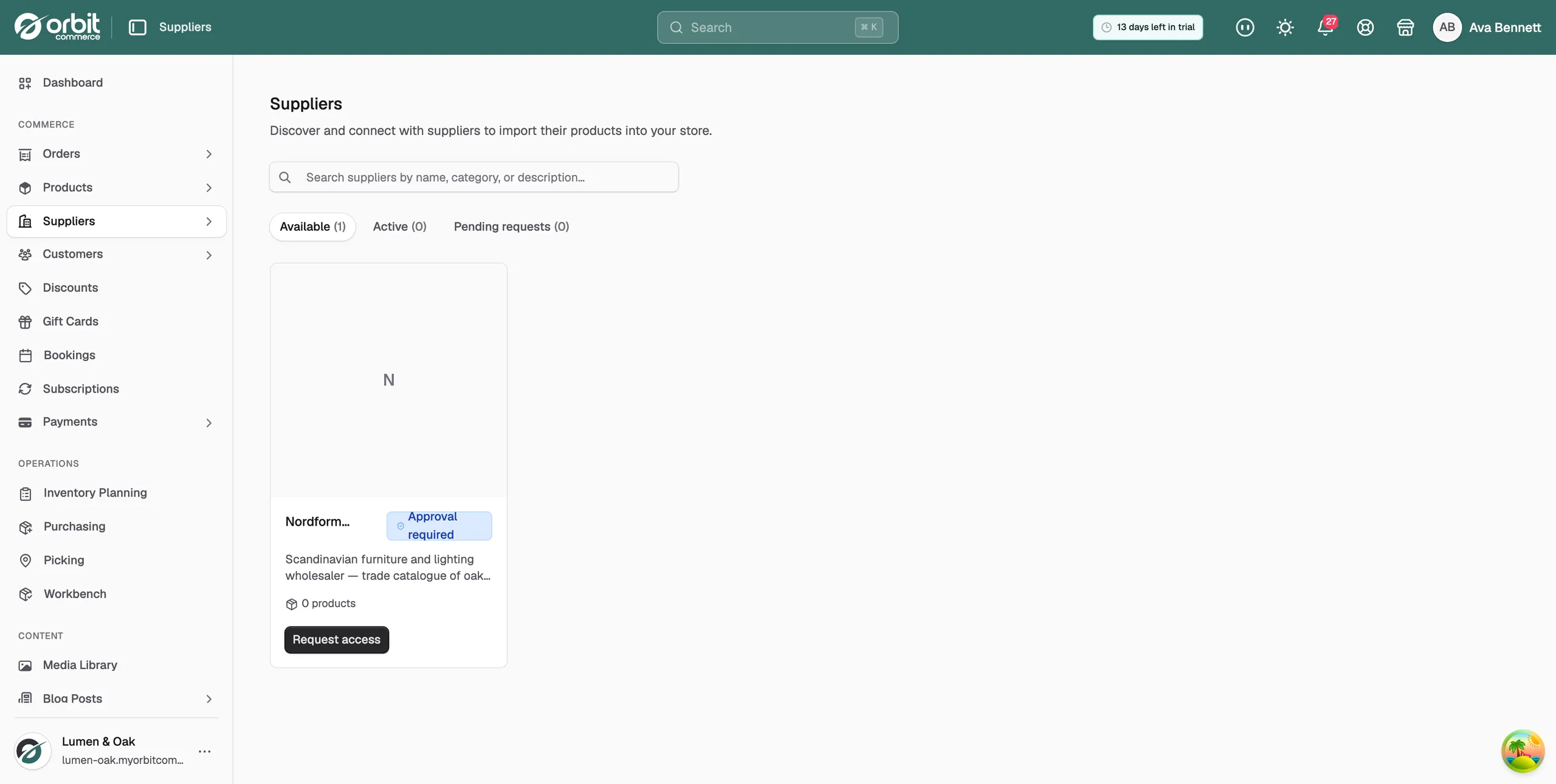
- Go to Suppliers, then Available.
- Find the supplier and click Add supplier.
- Click Connect.
Your imported products, sync settings, automation switches and pricing rules all come back as you left them.
Related guides
Was this helpful?
0 people found this helpful