Adjusting stock by hand
Correct a stock figure on the Inventory page, pick the right reason, and know when to receive or transfer stock instead of adjusting it.
Sometimes a number is wrong and needs fixing now: a breakage, a box you found at the back, or a count that does not agree with Orbit. A stock adjustment changes the figure by hand and records why. You make one on the Inventory page.
Considerations
- An adjustment is staged first. Nothing changes for customers until you click Save changes.
- A saved adjustment cannot be undone. To fix a mistake, make another adjustment.
- Every adjustment is written to the item's history with your reason and your name.
- Adjusting is not the way to book in a delivery or move stock between locations. The sections below say what to do instead.
Adjust a stock figure
- From your Orbit dashboard, go to Products > Inventory.
- If you hold stock in more than one place, choose the location from the list above the table.
- Find the row for the item. Point at it and an arrow appears beside the numbers.
- Click the arrow beside Available.
- Under Mode, click Set to replace the number with the figure you counted, or Add to change it by an amount, such as -5.
- In Quantity, type the number. A line under it shows the current figure and the new one.
- Click Reason and pick why the number changed.
- Click Save. The row updates and an orange bar replaces the column headings.
- Click Save changes in that bar. Orbit confirms with Inventory adjusted.
You can change On Hand the same way. Setting Available works out On Hand for you.
Warning: Nothing is sent until you click Save changes. Leaving the page with the orange bar still up loses the change. Discard changes in the same bar puts the old number back.
Choose the right reason
The reason is the part you will thank yourself for later. It is stored with the change and it is what makes a shrinkage or damage figure possible at the end of the year.
- Correction: a previous entry was wrong.
- Count: a stocktake found a different number.
- Received: stock arrived and was put away.
- Return restock: a returned item went back on the shelf.
- Damaged: stock was broken or spoiled.
- Theft or loss: stock went missing.
- Promotion or donation: stock was given away.
When to adjust
- Damages and write-offs: a case that arrived broken, or stock spoiled in store.
- Found stock: a box nobody had counted.
- Count corrections: the shelf and the screen do not agree. A cycle count does the same job with a proper record behind it. See Picking orders and running cycle counts.
When not to adjust
- A delivery arrived: receive it against the purchase order instead, so the incoming figures and your unit costs stay right. See Creating and receiving purchase orders.
- Stock is moving between locations: use a transfer, or both locations end up wrong. See Moving stock between locations.
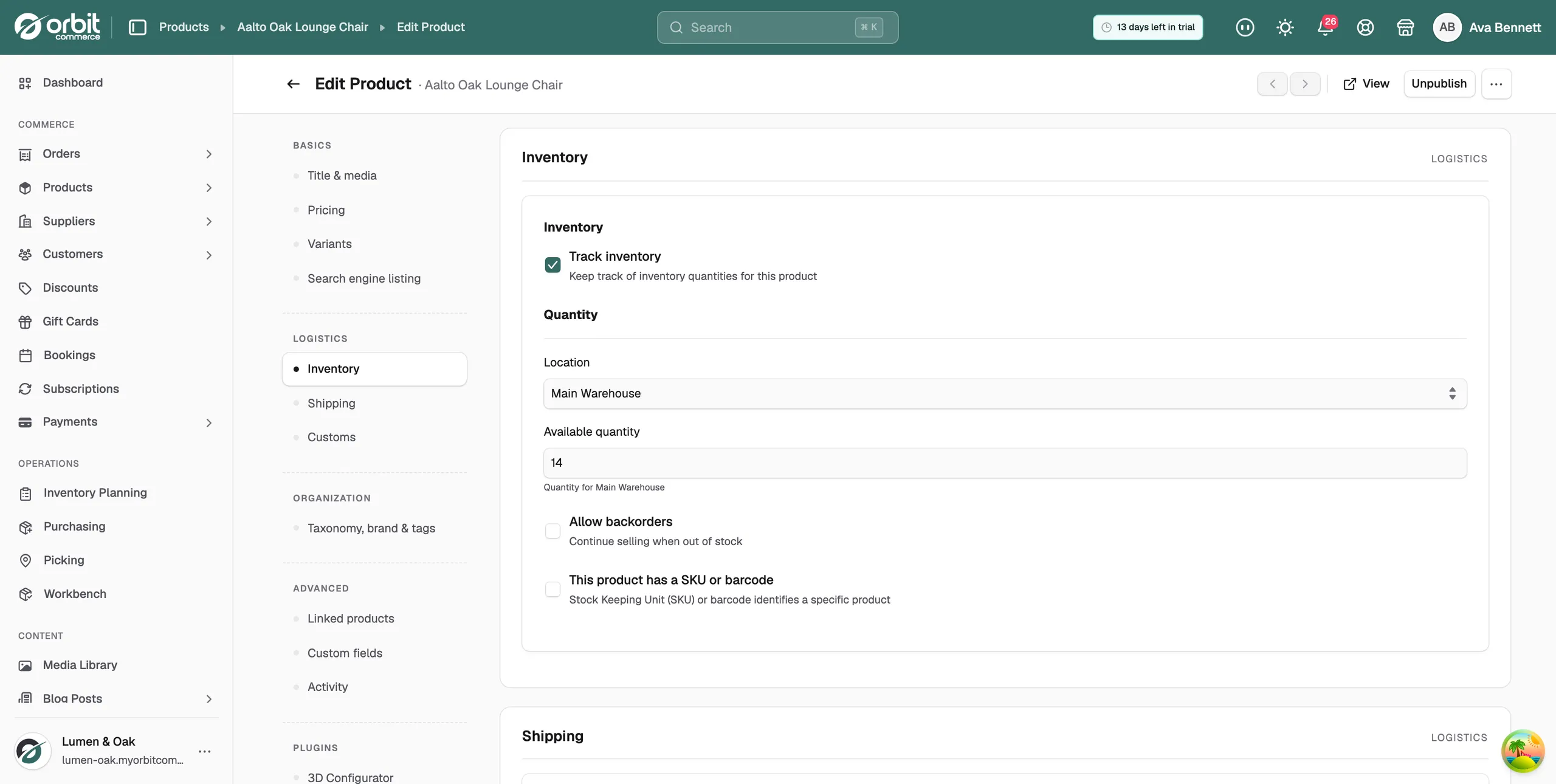
You can also set the quantity in the product's own Inventory section. See Managing inventory.
Check what changed
- On the Inventory page, find the row.
- Click the three dots at the end of it.
- Choose View history.
The Movement History window lists every change to that item, newest first, with the date, the type of movement, the quantity, the figures before and after, your reason and who made the change. When your numbers drift and you are working out why, this record is where the answer is.
Related guides
Was this helpful?
0 people found this helpful