Checking what your stock is worth
Open the Inventory value report, read the total and the cost coverage, and learn where the unit cost behind the figure comes from.
Stock is money sitting on shelves. Orbit works out what it is worth from your real costs, so you have an answer for your accountant at quarter end and for your insurer once a year. The figure lives in your reports, not on the Inventory page.
Considerations
- Inventory value (current) needs the Enterprise plan. It carries a lock and an Enterprise badge on other plans.
- It is a snapshot of right now, so the date range you set does not change it.
- Only physical products are counted. Digital products and services are not stock.
- The figure moves with every sale, delivery and adjustment. There is nothing to run overnight.
Open the report
- From your Orbit dashboard, go to Analytics.
- Click Reports.
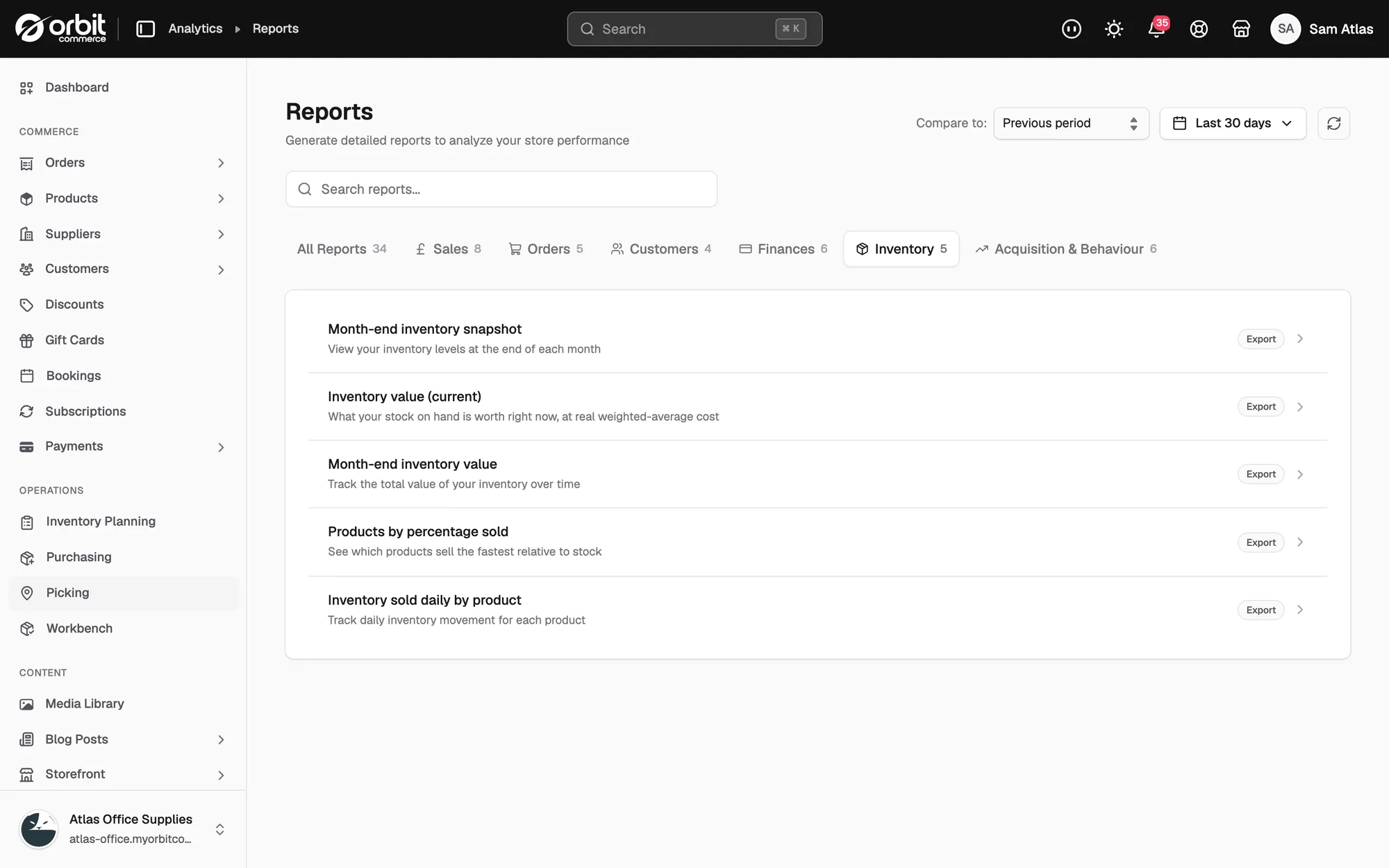
- Click the Inventory tab, or type value into Search reports....
- Click Inventory value (current). The report opens over the list.
- To save a copy, click CSV, Excel or PDF at the top right of the report.
What the report shows
The table lists your highest value items first. Each row shows:
- Product: the product name, with the variant name where there is one.
- SKU: the code that identifies the item.
- On hand: how many you hold, across every location.
- Unit cost: what one unit costs you.
- Value: on hand multiplied by unit cost.
Two figures sit above the table:
- Total inventory value: what all your stock is worth.
- Cost coverage: the share of your units that have a cost recorded, shown as a percentage of on-hand units costed.
Note: Read Cost coverage before you trust the total. Units with no cost are counted in On hand but add nothing to the value, so coverage below 100% means the total is lower than the truth.
Where the unit cost comes from
The unit cost is a weighted average, not the last price you paid. It changes in two places only:
- When you receive stock against a purchase order, the unit costs on that order are folded into the average.
- When you change Cost per item on the product, Orbit treats your figure as the new cost.
Everything else that moves stock, such as returns, transfers and adjustments, enters at the cost you already hold, so it does not change the average.
Keep the figure honest
- Put unit costs on your purchase orders before you receive them. A purchase order with no costs is a hole in the valuation.
- Count your stock before the dates you report on, so the figure you file matches the shelves.
- Large swings from one week to the next usually mean a receiving or counting problem, not a change in the market.
Track the value over time
The Month-end inventory value report on the same tab plots the total across the months instead of showing today's figure. Use it to see the trend, and the current report to see what is behind it. Pair either one with the ABC grades on your planning page: your A items should hold most of the value. If your C items do, you are storing the wrong stock.
Related guides
Was this helpful?
0 people found this helpful