Fixing emails that land in spam
Verify your sender domain with the DKIM records Orbit gives you, check the scope of the problem, and keep your sending reputation clean.
Your order confirmations land in spam, arrive from an address that is not yours, or do not arrive at all. The wording of the email is almost never the cause. What matters is whether inbox providers trust the domain the mail is sent from.
Your sender domain is not verified
This is the first thing to check and the most common cause. Until your sender domain is verified, Orbit sends every email from its own platform address instead of yours. Nothing is broken, but the mail comes from the wrong place, and that is exactly what spam filters punish.
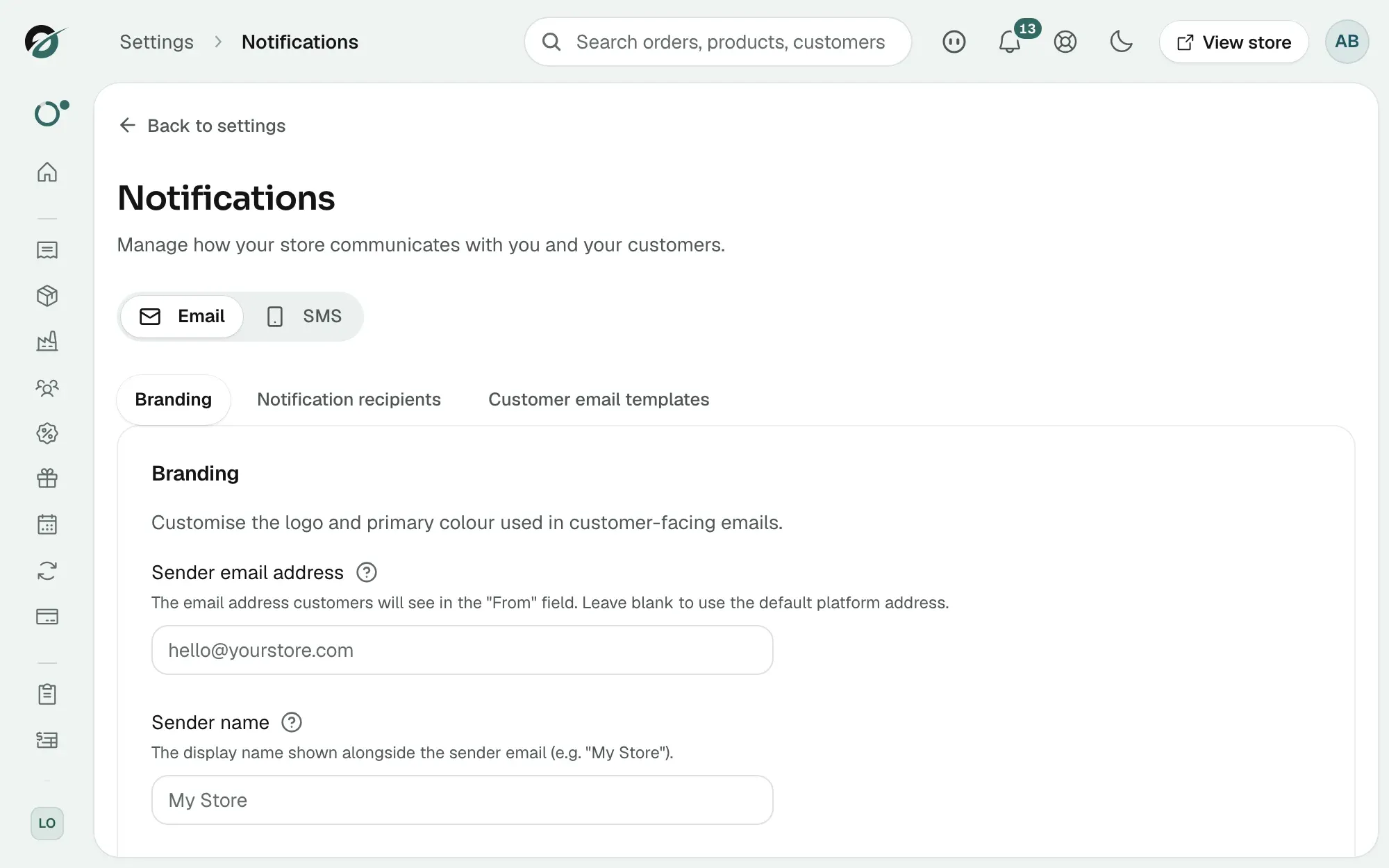
- From your Orbit dashboard, go to Settings, then Notifications.
- The Email tab opens on Branding. Find Sender email address.
- An orange bar reading Domain yourdomain.com requires DNS verification means it is not verified. A green line reading Domain yourdomain.com is verified means it is.
- Click anywhere on the orange bar to open it. Orbit lists the DKIM records your domain needs, each with a Type, a Name and a Value.
- Add all of them at your DNS provider. Use the copy button beside each Name and each Value and paste them in. Do not retype them.
- Come back and click Check verification. While it waits, the row reads DKIM status: PENDING.
Note: DNS changes can take up to 72 hours. Checking more often does not speed it up, and the panel closes whenever you leave the page, so click the orange bar again when you come back.
Only one or two people are affected
Scope tells you where to look. One customer in spam is their mailbox. Many customers across different providers is your domain.
- Ask two or three customers on different providers whether they got the email.
- Place a test order using your own addresses at Gmail and Outlook. They are the strictest common inboxes.
- If only one person is affected, ask them to check their spam folder and add your address to their contacts.
The rest of your domain's email setup
Orbit lists the DKIM records it needs. The other two records that inbox providers look at are yours to manage at your DNS provider.
- SPF: a DNS record saying which servers may send email for your domain. Missing or wrong, and providers distrust everything from you.
- DKIM: a signature proving the mail really came from you. These are the records Orbit gives you.
- DMARC: the policy sitting on top of the other two. Start with a monitoring policy rather than strict enforcement, so you can see the reports before anything gets rejected.
Your sending habits
Reputation builds up quietly and it is slow to recover.
- Every "mark as spam" on a marketing email damages all your mail, including order confirmations. Send marketing only to customers who agreed to it.
- Sudden volume matters. Ten emails a day for months and then fifty thousand in an hour will be throttled. Build big sends up gradually.
- Keep order confirmations clean. Providers judge transactional mail separately, so promotional content in a receipt works against you.
If it still does not work
If your domain shows as verified and mail is still going astray, contact support with three things: the sending domain, one recipient address that did not receive the email, and the date and time it was sent. A deliverability trace needs all three.
Related guides
Was this helpful?
0 people found this helpful