Showing feature highlights with Product Features
Create feature sets of up to 12 highlights, choose which products, categories or tags they apply to, and show them on your product page.
3 min read3viewsUpdated 14 September 2026Orbit Commerce
Product Features lets you write your selling points once, such as "Free white-glove delivery" or "10-year frame guarantee", and show them as highlight blocks on the right product pages. You group highlights into feature sets. Each set applies to specific products, categories, tags or the whole store, so every page shows the set that fits it best.
Considerations
- Each set holds up to 12 features.
- The most specific enabled set wins on each product page: specific products beat categories, categories beat tags, and tags beat all products.
- When two sets match equally, the one with the higher priority wins.
- Features only show on the storefront once you add the Product Features element to your product page in the page builder.
Install the plugin
- From your Orbit dashboard, go to Plugins.
- Find Product Features and install it. The full steps are in Installing and managing plugins.
- Open the plugin. The Feature sets list shows each set with its scope, priority and feature count. You can switch a set off without deleting it.
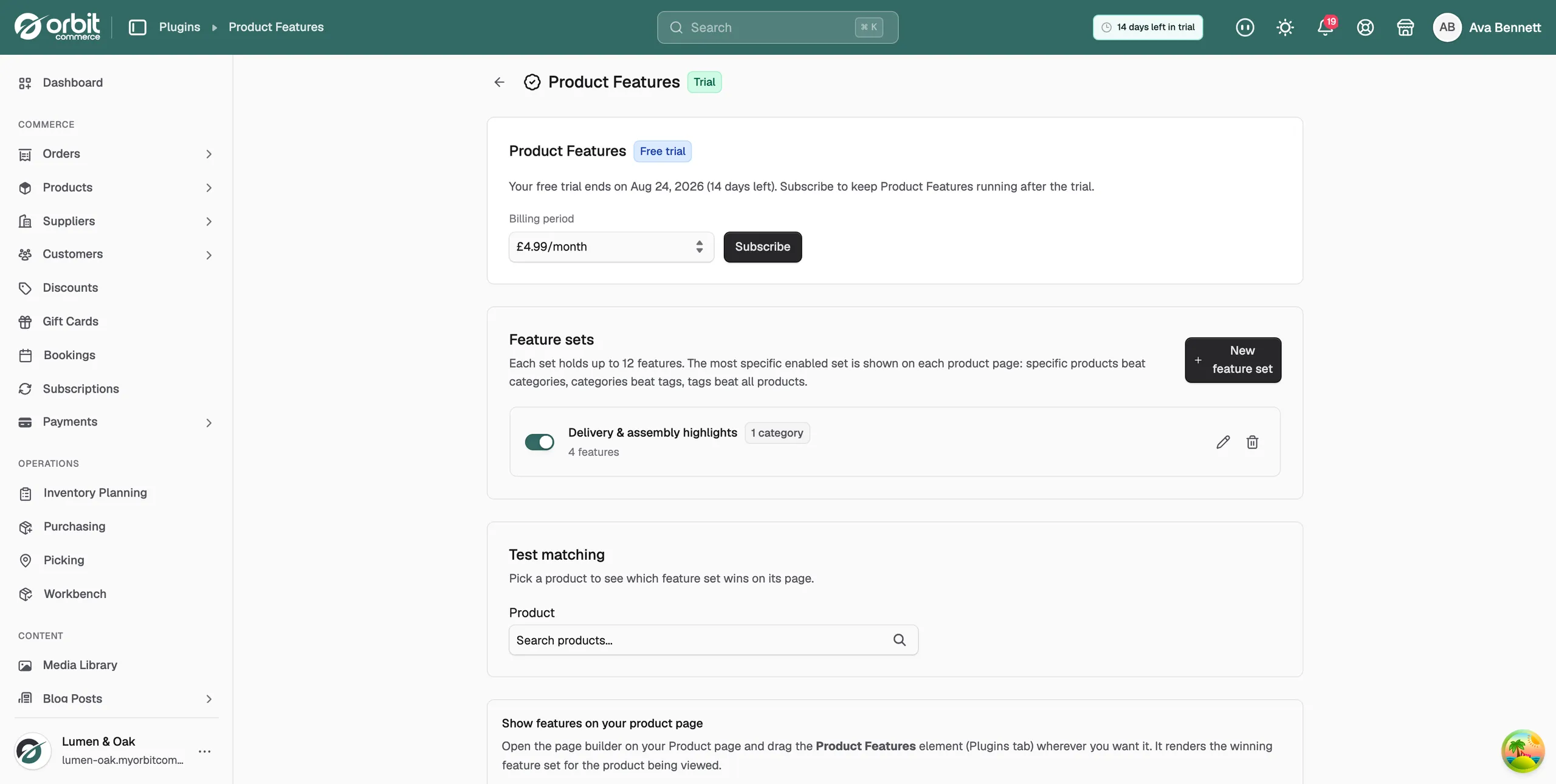
Create a feature set
- Click New feature set.
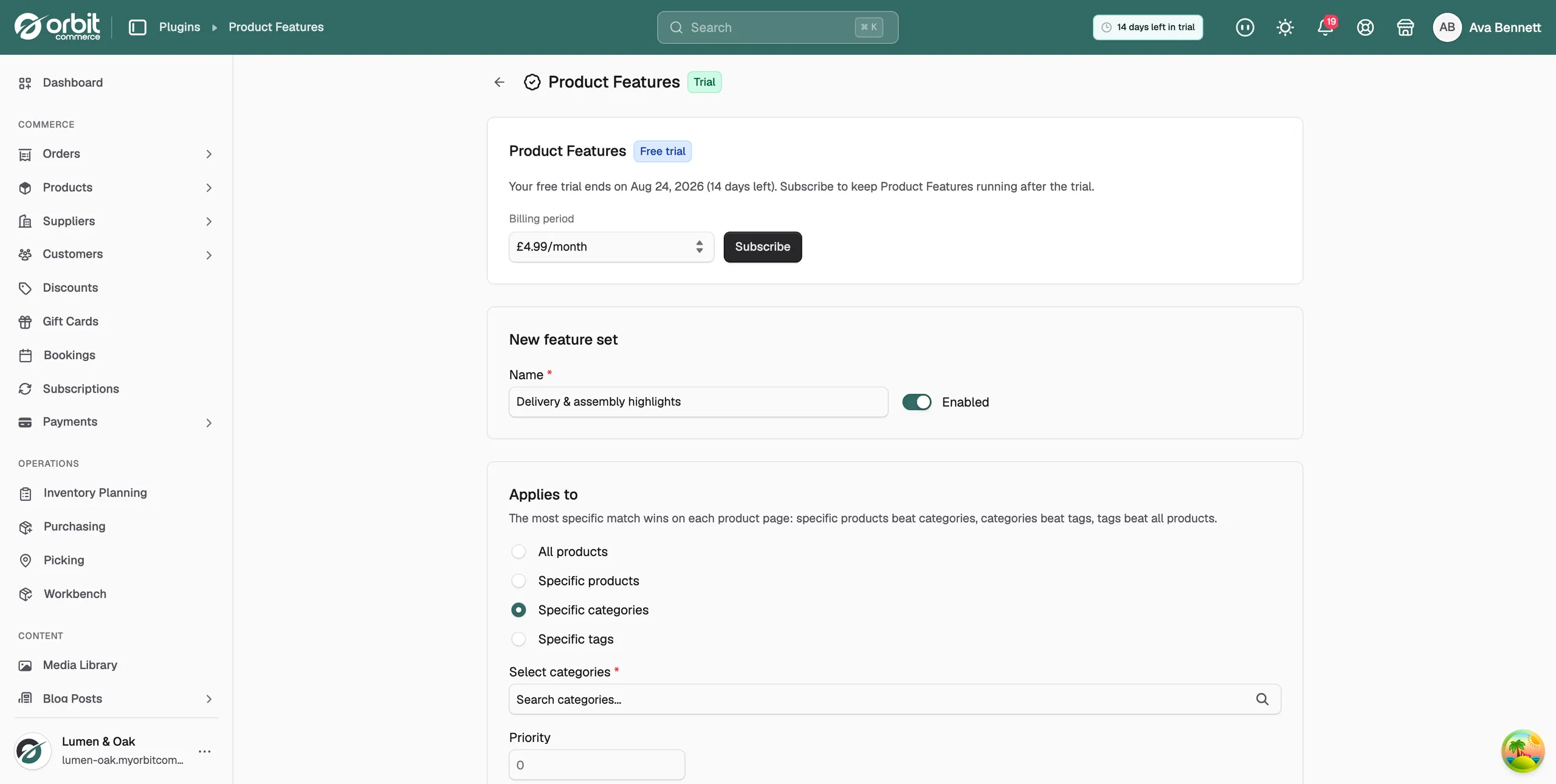
- Enter a Name, for example Warranty and support highlights.
- Leave Enabled switched on. Switch it off to keep the set as a draft.
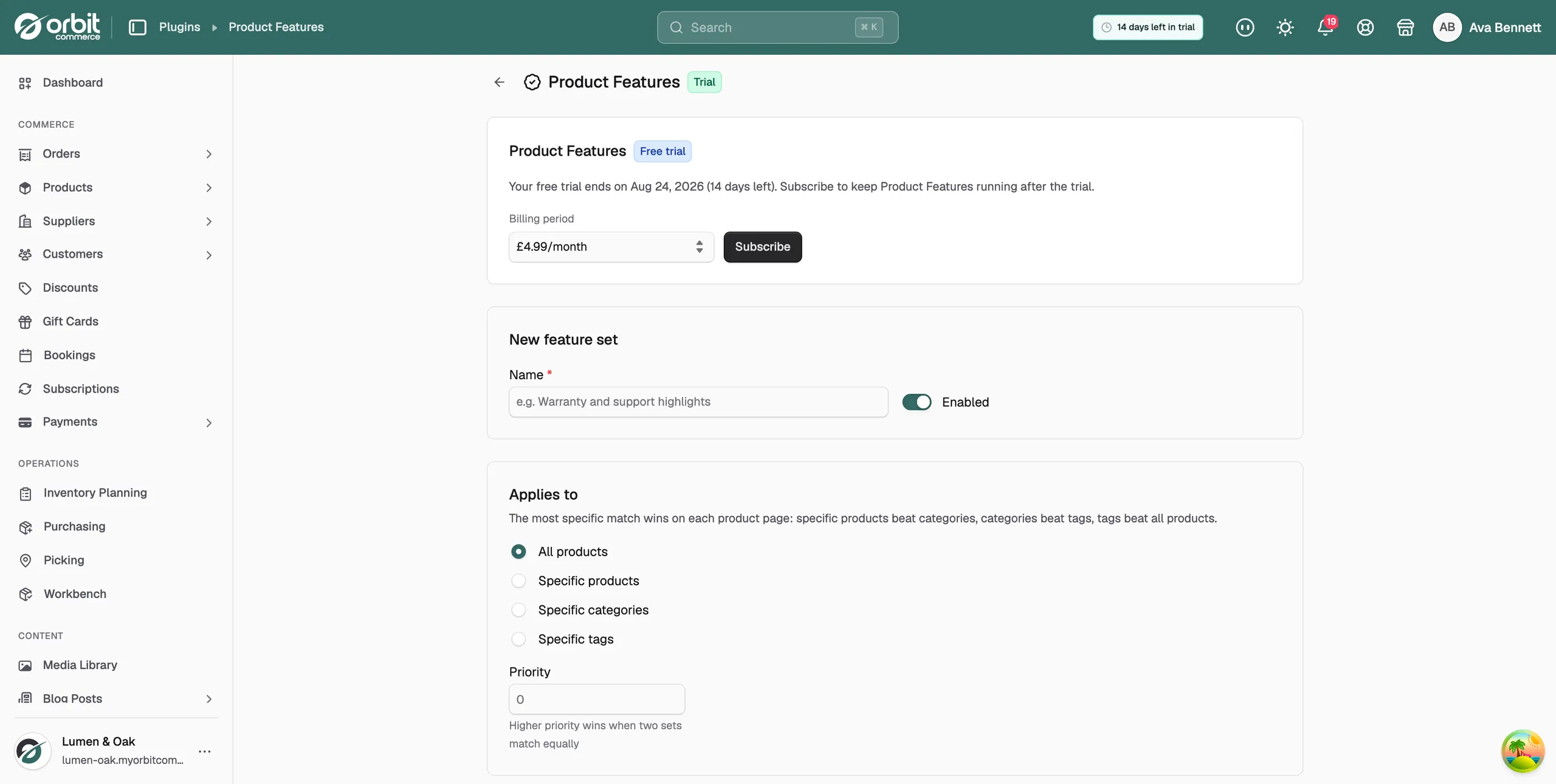
- Under Applies to, choose the scope: All products, Specific products, Specific categories or Specific tags. For the last three, search and select the items you want.
- Set a Priority. When two sets match equally, the higher priority wins.
- Under Features, click Add feature. Enter a Feature title, and add a description and an image if you want them. Repeat for up to 12 features.
- Use Move up and Move down to set the order. Features show in this order on the product page.
- Click Create feature set. The message Feature set created appears.
Check which set a product shows
- On the plugin page, find the Test matching panel.
- Search for and pick a product.
- The panel shows Winning set and its name, along with what it was matched by. If nothing applies, it reads No feature set matches this product.
Show features on your product page
- Open your product page in the page builder.
- Drag the Product Features element from the Plugins tab to where you want the highlights.
- Save the page. The element shows the winning feature set for whichever product is being viewed. You do not need to set anything per product.
Tip: Keep one All products set as the fallback. Then add category sets where the message differs, such as delivery for furniture and care for textiles. Three to five features read better than twelve.
Related guides
Was this helpful?
0 people found this helpful