Fulfilling part of an order
Ship the items you have in stock now and the rest later, using the quantity boxes in the fulfilment form on the order page.
You can ship part of an order now and the rest later. An order arrives for a lamp that is in stock and a sofa that lands next week. Fulfil the lamp today from the order page, and fulfil the sofa when it arrives. You do not have to delay everything or cancel anything.
Considerations
- Each line in the fulfilment form starts at the quantity still to send. Set a line to 0 to leave it out.
- The customer gets a tracking email when you add a tracking number to a shipment.
- Pick lists only print the units still to fulfil, so reprinting after a partial shipment is safe.
- An order on hold cannot be fulfilled until you release the hold.
Fulfil part of an order
- From your Orbit dashboard, go to Orders and open the order.
- Click Fulfil items in the page header. The fulfilment form opens under the order items.
- Under Items in this fulfilment, type how many of each item you are shipping today. Set a line to 0 to leave it out.
- Pick the carrier for this parcel.
- Type the tracking number. Orbit builds the tracking link for you.
- If today's shipment is more than one parcel, click + Add another tracking number and fill in the carrier and number for each one.
- Click Fulfil. A message such as Fulfilment created appears and the shipment shows on the Fulfilments card with its tracking numbers.
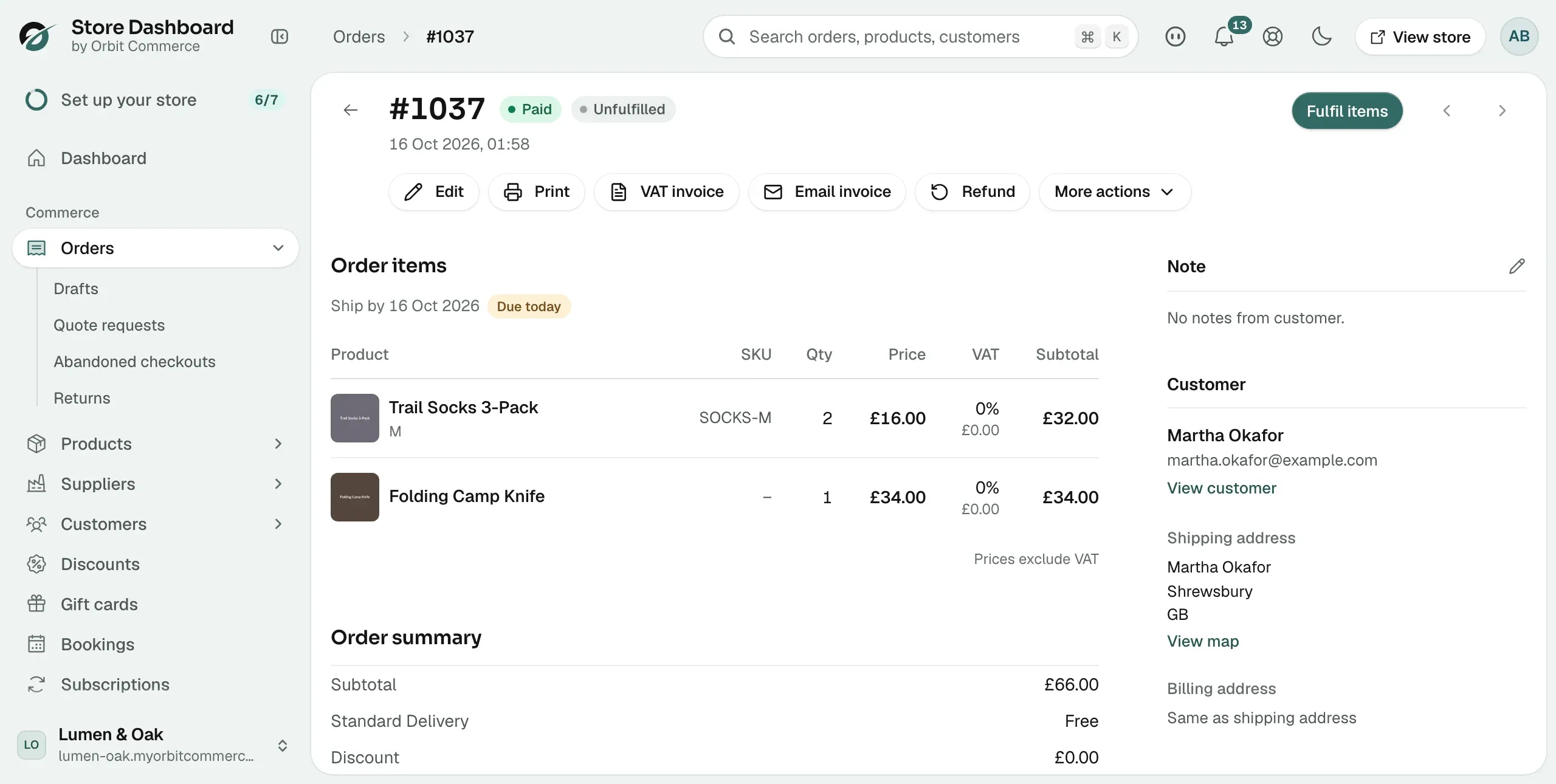
Ship the rest later
- When the remaining stock arrives, open the order again.
- Fulfil the remaining units the same way, with their own carrier and tracking number.
- The order shows Fulfilled once every unit has shipped.
What the statuses mean
- Unfulfilled: nothing has shipped.
- Partially fulfilled: some units have shipped and some have not.
- Fulfilled: every unit has shipped.
See Understanding order statuses for the full list.
Tip: If the missing item is more than a few days away, tell the customer before they ask. Offer a choice: wait, swap for something else, or a partial refund. See Refunding an order.
Related guides
Was this helpful?
0 people found this helpful