Exporting orders
Save your orders to a spreadsheet file for your accounts or your own records, filtered down to the orders you actually need.
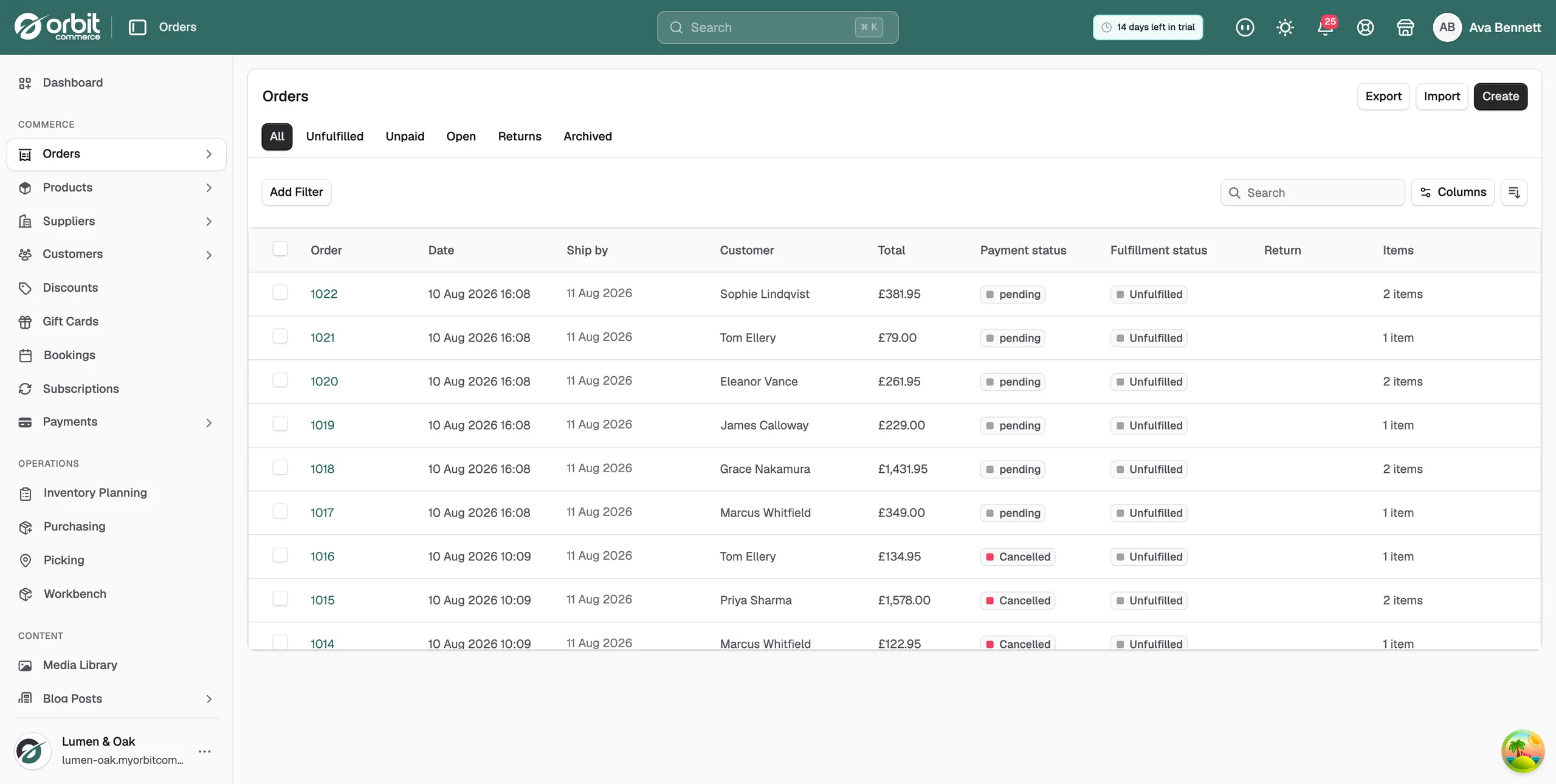
You can save your orders to a spreadsheet file at any time. Use it for your accounts, for a look at how a month went, or to keep a copy of your own. The Export button sits at the top of the Orders page.
Considerations
- Set your filters before you export. The export can only follow filters that are already on the list.
- Both file formats produce a CSV file. Any spreadsheet will open it.
- The orders export runs inside its window. Leave it open until it finishes.
Export your orders
- From your Orbit dashboard, go to Orders.
- Narrow the list to what you want. Click Add Filter and set a date range, a payment status or an order status, or tick the orders you want row by row.
- Click Export. The Export orders window opens.
- Under Exports, choose what goes in the file. Choices you have not set up yet are greyed out.
- Under Export as, choose Excel Format (.xlsx) or Plain CSV (.csv).
- Click Export orders. The window shows Exporting orders... while it works.
- When it reads Export completed successfully! the file has already downloaded. The window shows Orders exported: and the Filename:.
- Click Close.
What goes in the file
- All orders: every order in your store.
- Current page: only the orders you can see on this page of the list.
- Filtered results: the orders that match the filters you set.
- Selected orders: only the orders you ticked.
Filtered results and Selected orders stay greyed out until you have set a filter or ticked some rows.
Note: Both formats give you a CSV file. Excel Format (.xlsx) is the one to pick if you use Excel, because the file is written so Excel reads accents and pound signs correctly. Plain CSV (.csv) is a standard CSV for everything else.
The file you get
The file has one row per order. It is named after what you exported and the date, for example orders-filtered-2026-09-13.csv. It lands wherever your browser puts downloads.
Tip: Export month by month rather than a year at a time. Smaller files are quicker to build and far easier to reconcile against your payouts.
Related guides
Was this helpful?
0 people found this helpful