Marketing

Marketing | General Overview

The Marketing section in Orbit allows you to create, manage, and review marketing campaigns from one central area. It gives you a quick overview of campaign performance, including attributed revenue, orders, average order value, and active campaign status.

5 min read4viewsUpdated 3 July 2026Orbit Support Team

The Marketing section in Orbit allows you to create, manage, and review marketing campaigns from one central area. It gives you a quick overview of campaign performance, including attributed revenue, orders, average order value, and active campaign status.

Accessing Marketing

To access the Marketing area:

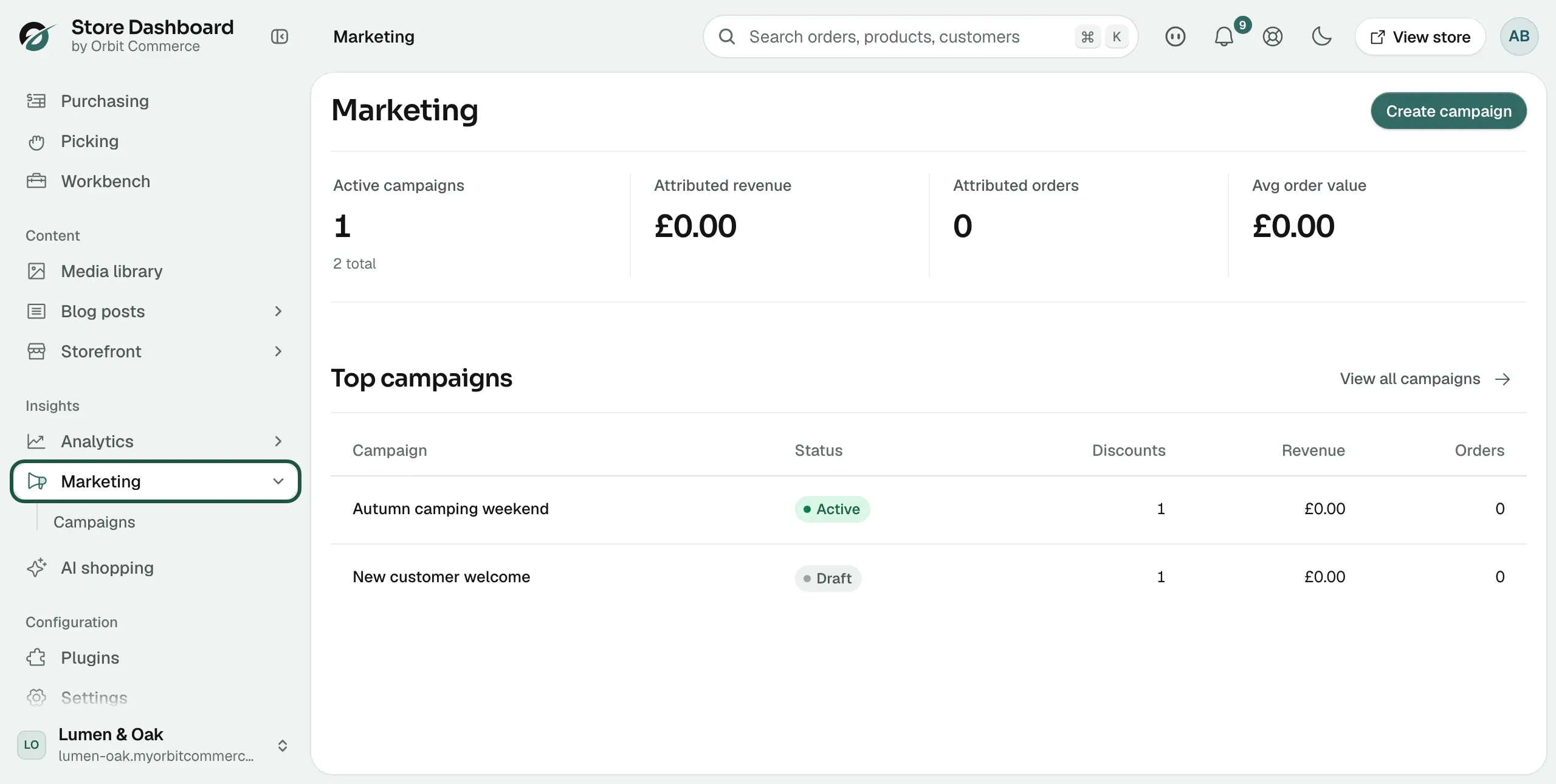
  1. From the left-hand menu, go to Insights.

  2. Select Marketing.

This will open the Marketing dashboard, where you can review your campaign summary and campaign list.

Marketing Dashboard Overview

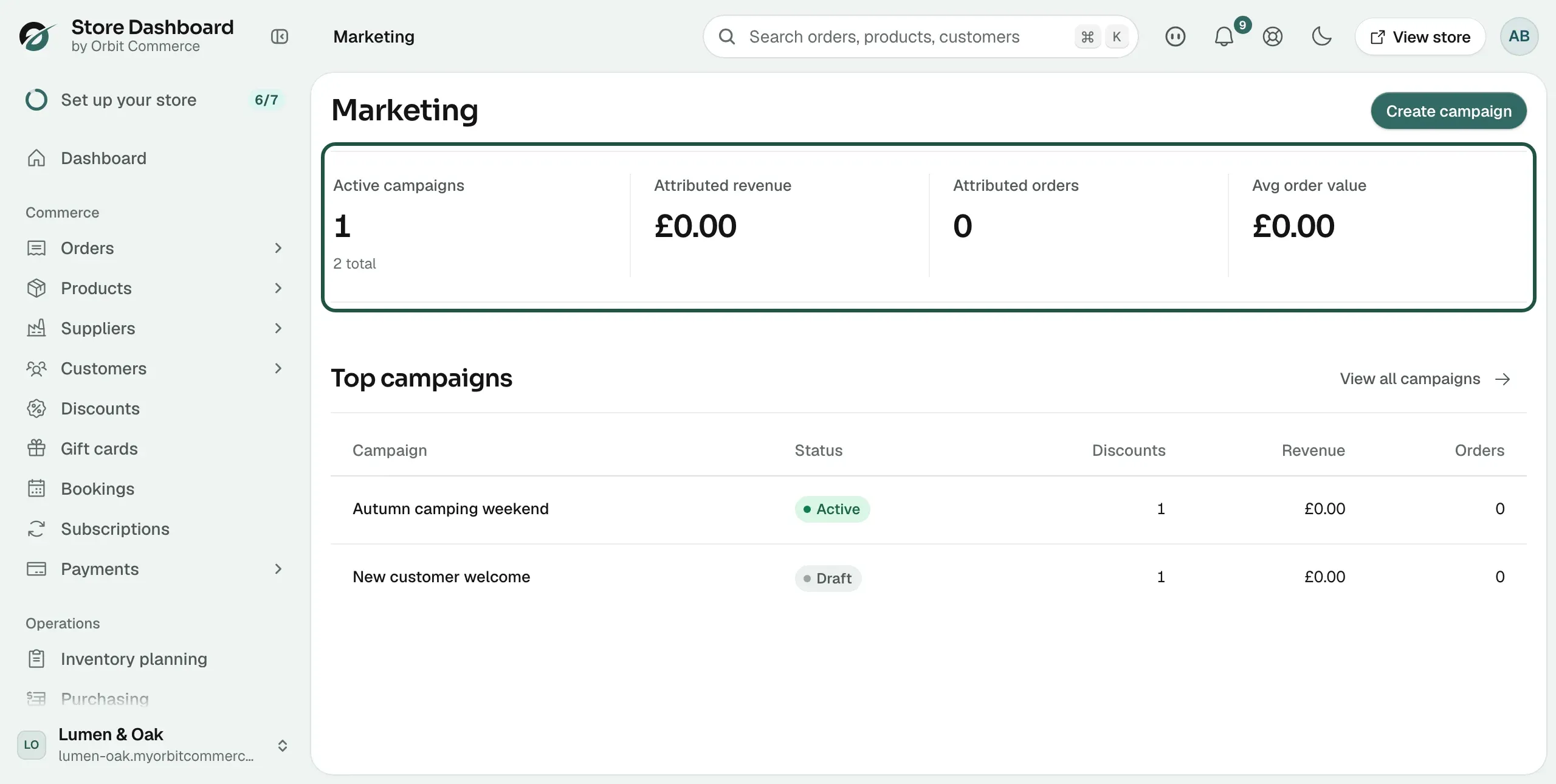
At the top of the Marketing page, you will see a performance summary for your campaigns.

The dashboard includes the following key metrics:

  • Active Campaigns — Shows how many campaigns are currently active. It may also show the total number of campaigns created.

  • Attributed Revenue — Shows the total revenue linked to marketing campaigns.

  • Attributed Orders — Shows the number of orders generated through marketing campaigns.

  • Avg Order Value — Shows the average value of orders attributed to campaigns.

These figures help you quickly understand how your campaigns are performing and whether they are generating sales.

Top Campaigns

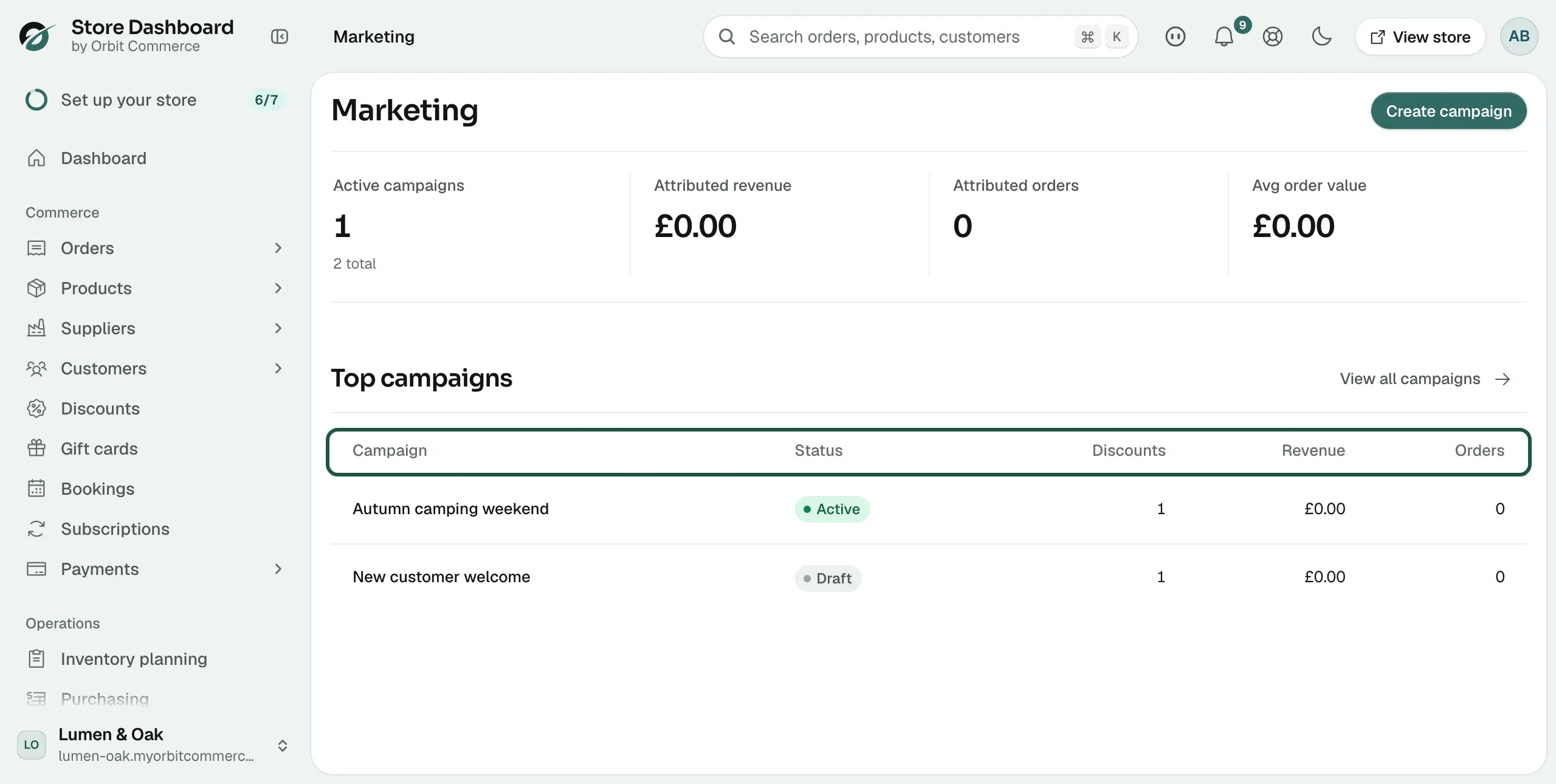
Below the summary cards, you will find the Top Campaigns table.

This table displays your campaigns and their key performance details.

The table includes:

  • Campaign — The name of the campaign.

  • Status — The current status of the campaign, such as Draft.

  • Discounts — The number of discounts linked to the campaign.

  • Revenue — The revenue attributed to the campaign.

  • Orders — The number of orders attributed to the campaign.

Creating a Campaign

To create a new marketing campaign:

  1. Go to Marketing.

  2. Click Create campaign in the top-right corner.

  3. Enter the campaign details.

  4. Add or link any relevant discounts.

  5. Save the campaign.

Once created, the campaign will appear in the campaign list.

Viewing All Campaigns

The dashboard shows a summary of your top campaigns. To see the full list:

  1. Go to the Top Campaigns section.

  2. Click View all campaigns.

This will take you to the full campaign list, where you can review and manage all campaigns in more detail.

Campaign Status

Campaigns may appear with different statuses depending on their setup and progress.

Common statuses include:

  • Draft — The campaign has been created but is not yet active.

  • Active — The campaign is currently running.

  • Completed — The campaign has ended or is no longer running.

A campaign in Draft status will usually need to be reviewed and activated before it starts contributing to campaign performance.

Why Marketing is Important

The Marketing section helps you measure the impact of your promotional activity. Instead of only creating discounts or campaigns separately, Orbit allows you to connect campaign activity with real sales performance.

This helps you understand:

  • Which campaigns are generating revenue

  • How many orders are linked to each campaign

  • Whether discounts are driving sales

  • The average value of campaign-related orders

  • Which campaigns may need further action before going live

By reviewing this data regularly, you can make better decisions about future promotions and focus on the campaigns that are delivering results.

If you have any questions, please contact us at support@orbitcommerce.net

Was this helpful?

0 people found this helpful