Adding notes to a customer
Keep one internal note on each customer profile. Your team can read it, the customer cannot, and saving replaces what was there.
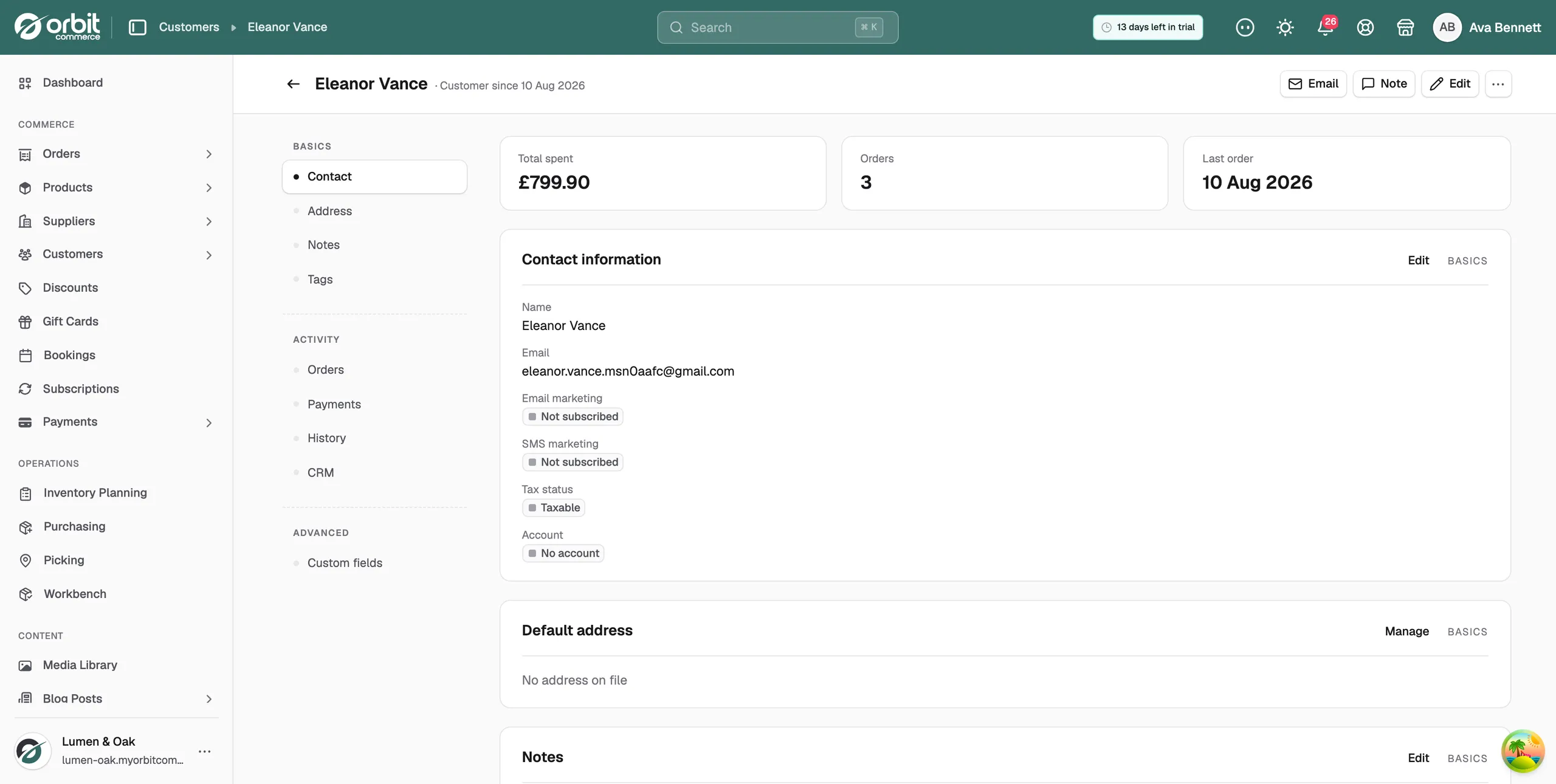
The Notes card on a customer profile is where your team keeps what it knows about that person. Staff can read it. The customer cannot see it.
Considerations
- There is one note per customer. Saving replaces what was there before, so add to the text rather than clearing it.
- Notes are for context. Never keep card details, passwords or anything else sensitive in them.
Add or edit a note
- From your Orbit dashboard, go to Customers.
- Open the customer.
- On the Notes card, click Edit. The Note button in the bar at the top of the profile opens the same window.
- Type into the box. It reads Add notes about this customer... while it is empty.
- Click Save Notes. The button reads Saving... while it works.
- The window closes and the card shows your text. The message Notes updated successfully appears.
Warning: Saving replaces the whole note. If you only mean to add a line, keep the text that is already in the box.
What to put in a note
- Delivery preferences you learned the slow way, such as always delivering to the side gate.
- How you know them, such as meeting at a trade fair and quoting for a hotel job.
- Service history that explains today's question, such as a last order that arrived damaged and was replaced free.
Write notes for the colleague who will read them mid call, not for yourself. Short, plain and dated where it matters.
Where the Notes card sits
A customer profile is one long page with a menu down the left. Notes is one of its sections, alongside the customer's orders, payments and history. Clicking a menu item scrolls the page. Nothing is loaded again.
If you use the Orbit CRM plugin, deal notes and activities land on the same customer timeline.
Related guides
Was this helpful?
0 people found this helpful