Merging duplicate customers
Find two records for the same person and merge the duplicate into the one you keep, so their orders, addresses and history end up in one place.
Two records for one person split their history and muddle your marketing consent. It happens when someone checks out as a guest twice, mistypes their email, or an import runs on two spellings of the same address. Orbit fixes it with Merge duplicate customer, on the profile of the record you want to keep.
Considerations
- You merge from the record you are keeping. The duplicate's details move onto it, then the duplicate is deleted for you.
- A customer with a storefront account cannot be merged away. If one of the pair has the login, that one has to be the record you keep.
- A merge cannot be undone.
- Do not delete a duplicate by hand. Delete customer leaves that record's orders behind instead of moving them across.
Find duplicates
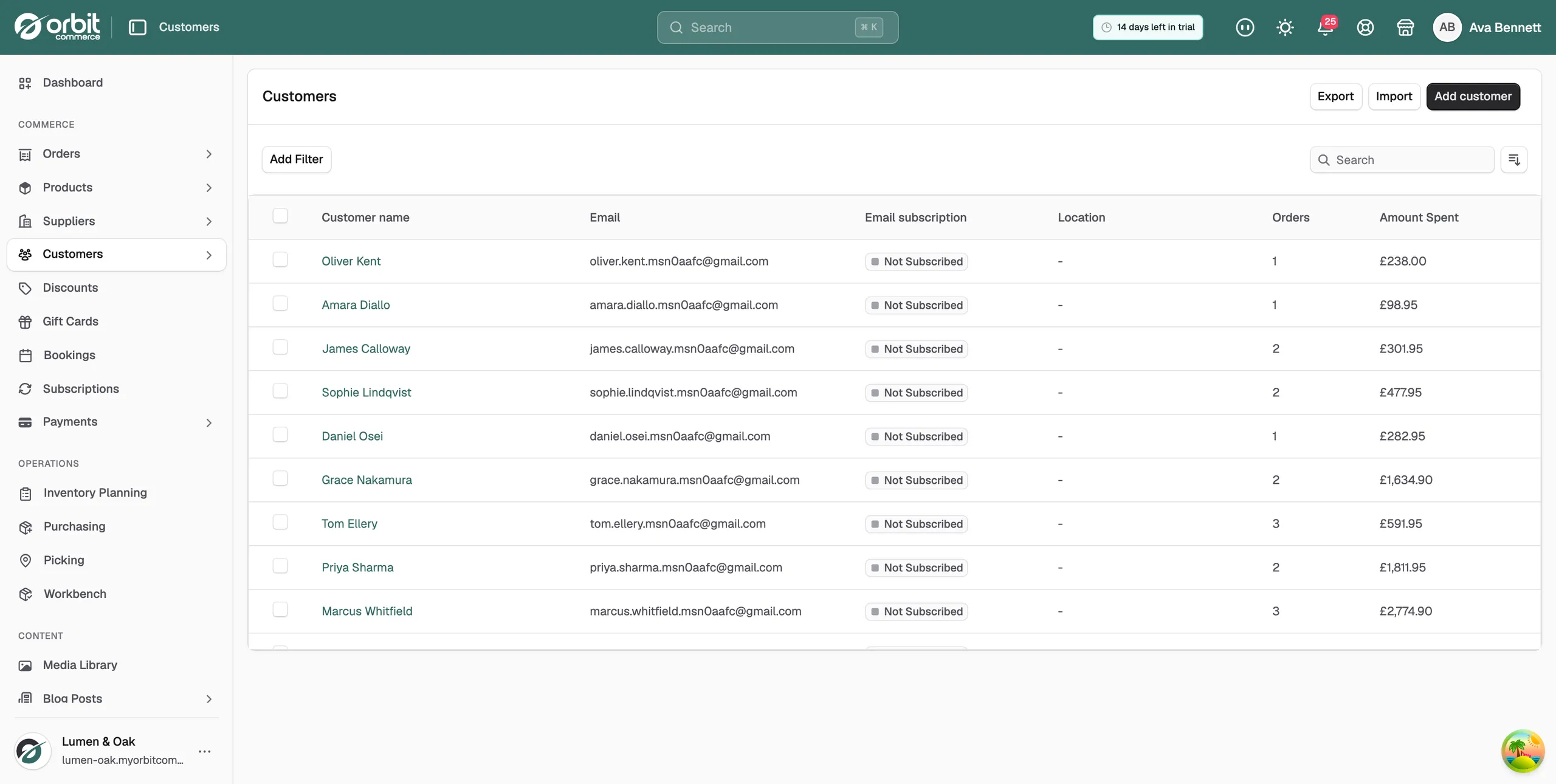
- From your Orbit dashboard, go to Customers.
- Search by surname, then by part of the email address.
- Look for the same person on small variations: gmail against googlemail, a typed slip, a work address they stopped using.
- Decide which record to keep. Keep the one with the storefront account if either of them has one.
Merge a duplicate
- Open the profile of the customer you are keeping.
- Click the three dots menu at the top right and choose Merge duplicate customer.
- Click the Search customers box. Orbit lists customers you can merge.
- Type a name or email address to find the duplicate.
- Click the duplicate in the results. A panel shows which record moves into which, and says that the duplicate is then deleted.
- Check both names, then click Merge customers. The message Customers merged appears and tells you how many records moved.
Customers who have a storefront account are not listed in the box. If the one you want is missing, open their page and merge in the other direction instead.
Warning: A merge cannot be undone. Read the panel and check both names before you click Merge customers.
What moves across
The duplicate's records move to the customer you kept, in one step:
- Orders, carts and returns, so their history and total spent are whole again.
- Addresses, added to the record you kept. A moved address never replaces the default address you already had.
- Subscriptions, instalment plans, bookings and gift cards, so there is nothing to set up again by hand.
- Quote requests, wishlists, downloads and licence keys.
- Tags, segments, custom fields and company contacts.
- Notes, added to the end of the notes you already had.
- Phone number, but only if the record you kept had none.
Marketing consent is never widened by a merge. The record you kept holds on to its own email and SMS settings.
Stop the next duplicate
- On an import, Orbit matches rows by email address and updates that customer instead of creating a second one. Extra rows on the same email add addresses to the one record. See Importing and exporting customers.
- Encourage repeat customers to check out with an account. Guests typing their email differently each time are the main source of duplicates.
Related guides
Was this helpful?
0 people found this helpful