Deleting customers and GDPR requests
Delete a customer record, download everything you hold on them for an access request, and erase their personal data for a GDPR erasure request.
Orbit has two different ways to remove a customer, and they do different jobs. Delete customer takes the record off your customer list. Erase personal data is the one you use for a GDPR erasure request. There is also a way to download everything you hold on a person, for an access request.
Considerations
- Deleting a customer does not delete their orders. Orders, invoices and payment records are kept for the periods your tax rules require.
- Deleting does not remove their name, email or address from those orders, so on its own it is not a GDPR erasure.
- Neither deleting nor erasing can be undone.
- Answer a data request inside the statutory window. That is 30 days under UK and EU GDPR. Record that you did it.
- To tidy two records for the same person, merge them rather than deleting one. See Merging duplicate customers.
Delete a customer
Use this for housekeeping: test accounts, records you created by mistake, customers who never ordered.
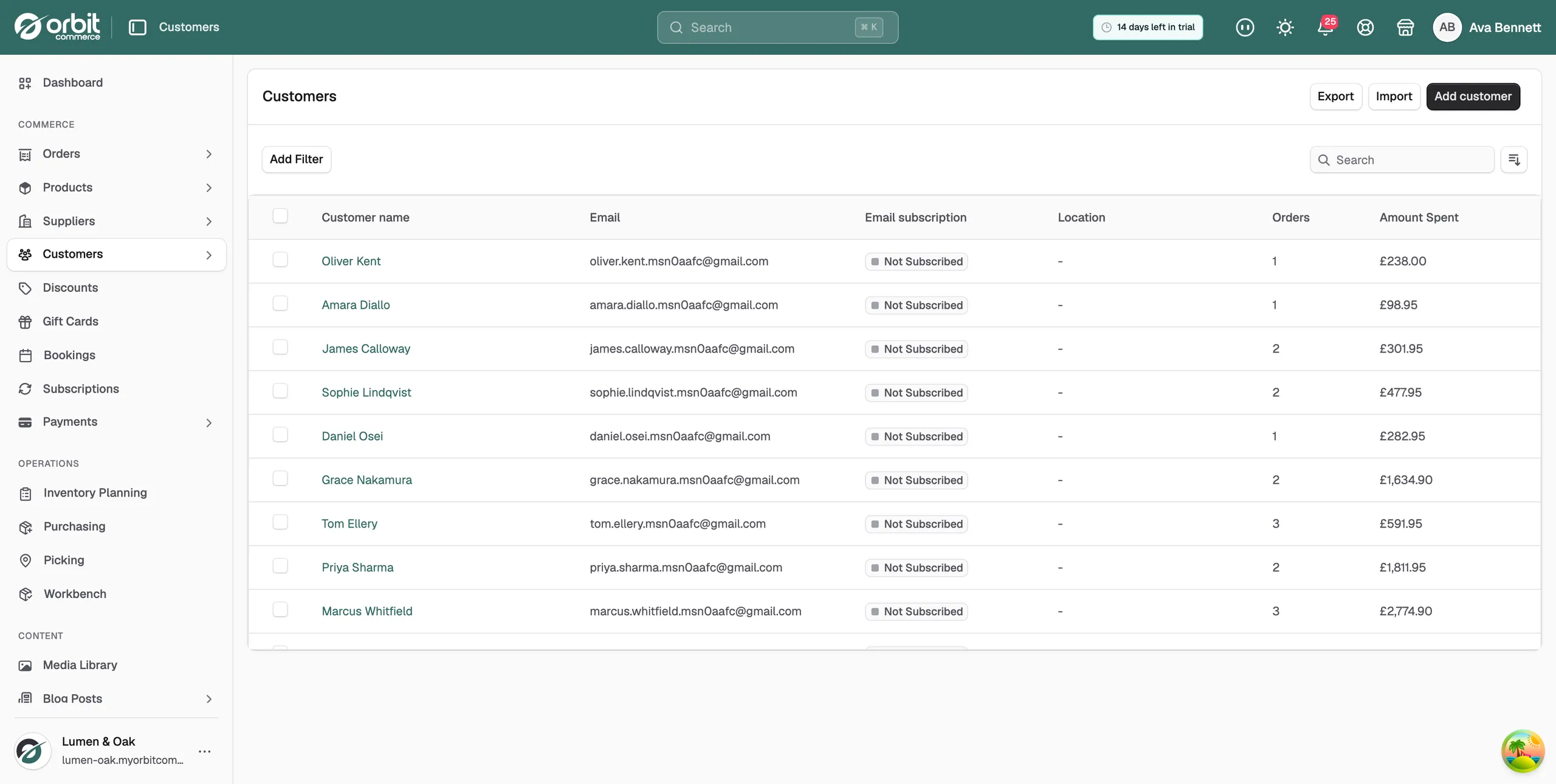
- From your Orbit dashboard, go to Customers.
- Open the customer, click the three dots menu and choose Delete customer. To remove several at once, tick them in the list, click the three dots menu in the header row and choose Delete customers.
- Read the name in the box that opens and check it is the right person.
- Confirm. The record leaves your customer list.
Warning: Deleting a customer cannot be undone. Check first whether they have open orders, an active subscription or a gift card balance, because deleting mid relationship leaves those stranded.
Answer an access request
When a customer asks for a copy of their data, send them the GDPR export rather than a customer list export.
- From your Orbit dashboard, go to Customers and open the customer.
- Click the three dots menu and choose Export customer data (GDPR).
- Wait while Orbit collects the data. This usually takes a few seconds.
- A JSON file downloads to your computer. Send that file to the customer.
The bundle holds everything the store keeps on that shopper, matched by customer record and email address. The copy on the server is deleted after 7 days. You see this menu item only if your role allows data requests.
Answer an erasure request
Use Erase personal data, not Delete customer.
- From your Orbit dashboard, go to Customers and open the customer.
- Click the three dots menu and choose Erase personal data.
- Orbit checks their open orders, subscriptions and the dispute window first. Wait for the check to finish.
- If the check passes, type the customer's email address in Type the customer's email to confirm. It must match exactly.
- Add a Reason if you want one kept on the activity log. This is optional.
- Click Erase personal data.
An erasure redacts their profile, addresses and marketing consents, anonymises the personal details on their orders and messages, disables their storefront login and removes the customer record. Order and payment amounts stay as financial records.
When an erasure is blocked
Orbit refuses the erasure while the data is still needed. The box then lists what to resolve, and the Erase personal data button is not shown. The reasons are:
- Open orders: orders that are pending, processing or awaiting balance. Complete, cancel or refund them first.
- Dispute window: orders younger than 180 days, because a payment dispute or delivery claim may still need the data. The message gives the date you can erase after.
- Active subscriptions: product subscriptions that are still running. Cancel them first.
- Open returns: returns still in progress. Resolve them first.
Clear each item, then open the box again. Click Close to leave it for now.
Related guides
Was this helpful?
0 people found this helpful