Finding the Advanced Search features in Settings
The Advanced Search plugin has been retired. Its visibility rules, suggestion keywords, redirects and preview are now built in under Settings, then Search.
The Advanced Search plugin has been retired. Everything it did is now built into Orbit under Settings, then Search, on every store. You do not need to install anything, and there is nothing to pay.
Where each feature went
- Visibility rules: hide chosen products, categories or tagged products from search results and suggestions for an audience you pick. Now under Hidden from search and Who can see search results on the Search page.
- Suggestion keywords: your own words that appear as search suggestions. Now under Curated suggestions & redirects.
- Redirects: send an exact search straight to a page. Now under Curated suggestions & redirects.
- Test what shoppers see: now the Search preview section on the same page.
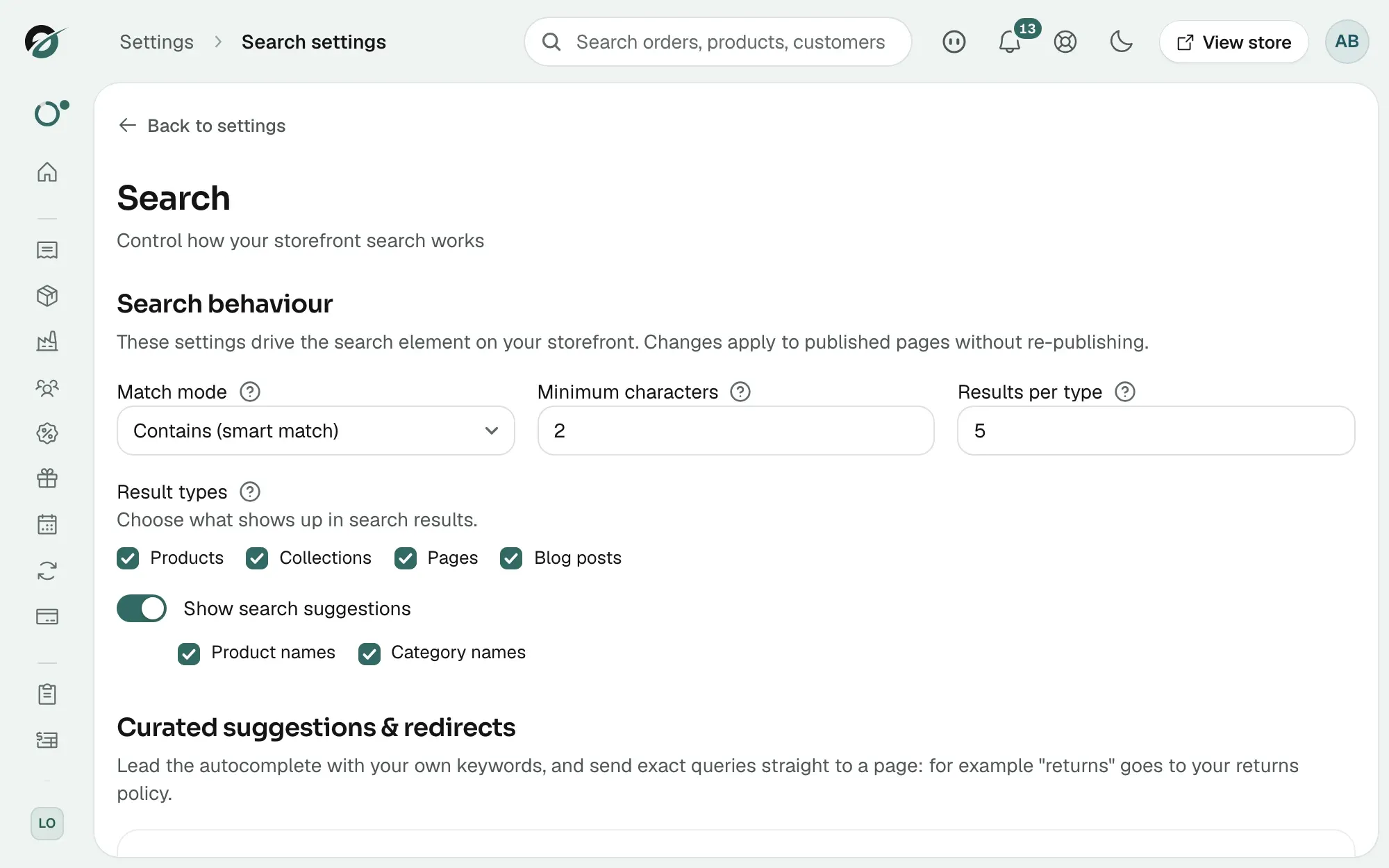
For the steps, see Controlling storefront search.
Note: If the plugin still shows in your Plugins list, it is inactive and can be uninstalled. Your rules were kept and appear on the Search page.
Related guides
Was this helpful?
0 people found this helpful