Checking transactions and payouts
Confirm that a customer has paid, see when the money lands in your bank, and match a payout to the payments it covers.
Two pages in the Payments section answer the questions that come up every day. Transactions tells you whether a customer has paid. Payouts tells you when that money reaches your bank.
Considerations
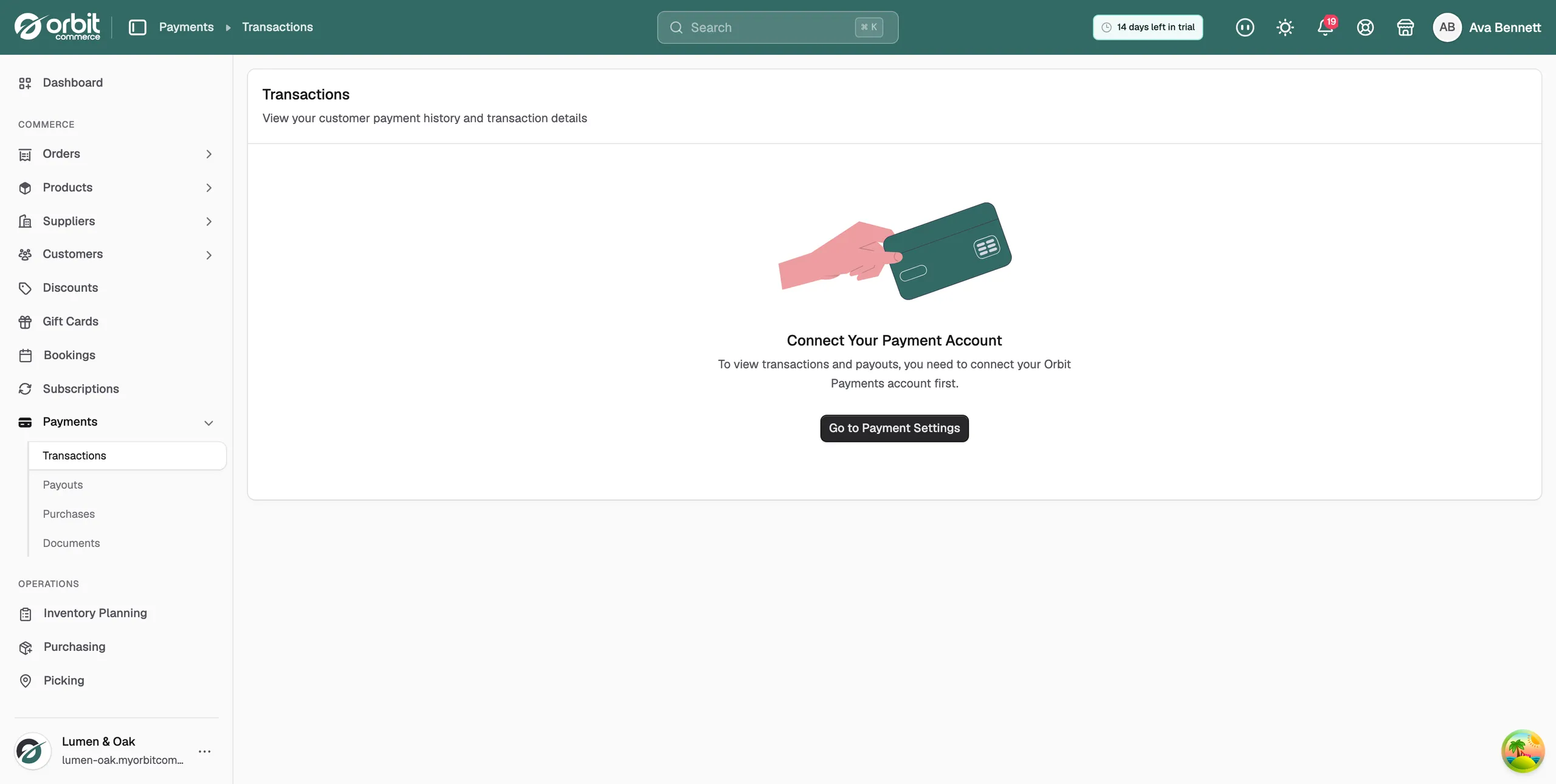
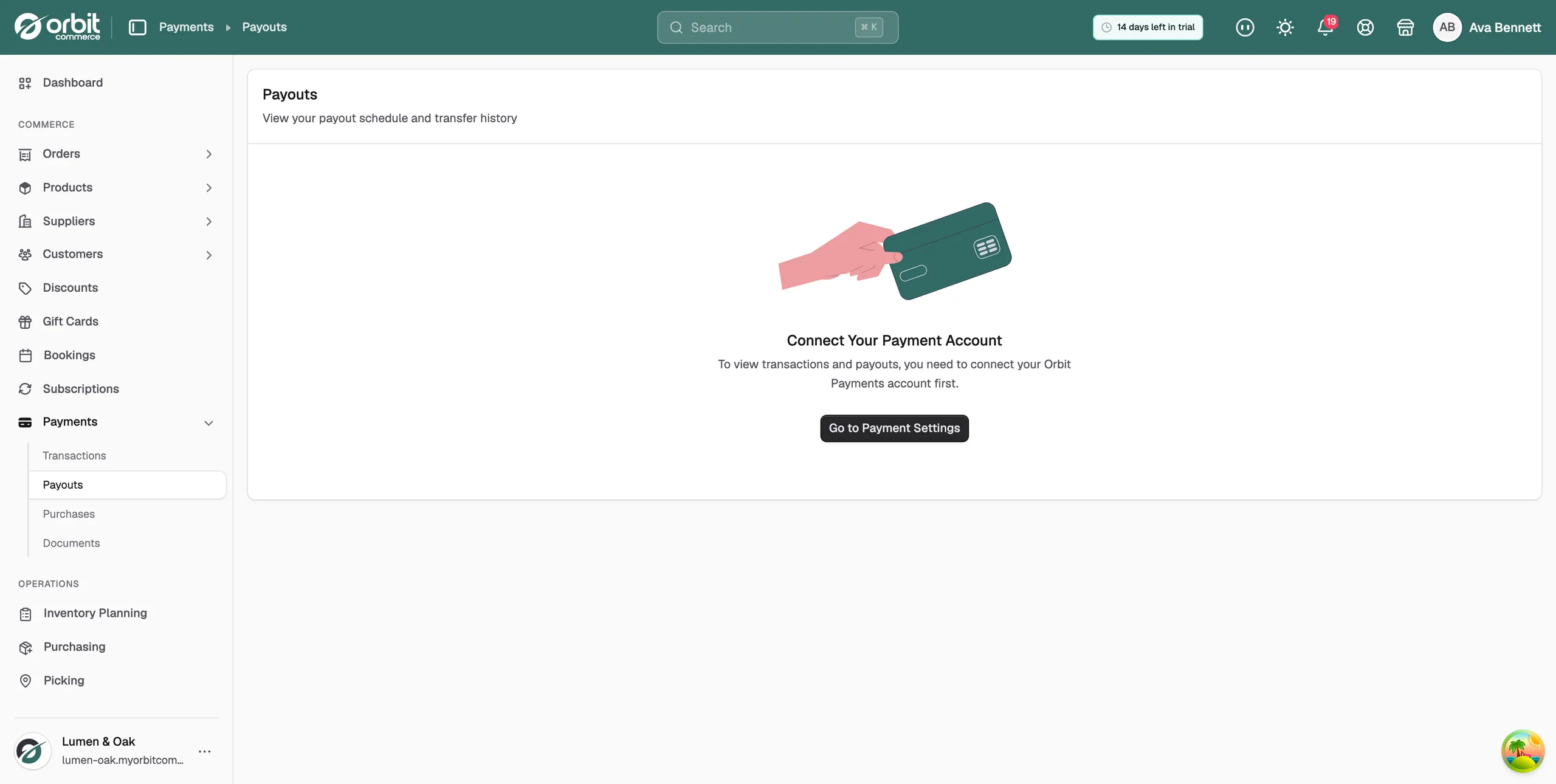
- Both pages need Orbit Payments to be connected. Until then they show Connect Your Payment Account and a Go to Payment Settings button.
- Card processing fees are taken off before a payout, so a payout is always less than the payments it covers. That is expected.
- A refund reduces a later payout rather than pulling back an earlier one. After a refund in a quiet week, the next transfer can be small or negative.
Check a customer payment
- From your Orbit dashboard, go to Payments.
- Click Transactions. The page is titled Transactions, with the line View your customer payment history and transaction details under it.
- Find the payment you want. Click it to open the full details.
Use this page to confirm a payment before you fulfil an order, to check a card brand or the last four digits when a customer asks, and to trace a payment back to its order.
See when you get paid
- From your Orbit dashboard, go to Payments.
- Click Payouts. The page shows your payout schedule and your transfer history.
- Click a payout to see the amount, the status, the arrival date and what it covers.
Match a payout to its payments
- Open the payout on the Payouts page. The detail view lists what the payout contains.
- Compare that period with the dates on the Transactions page.
- Take off the processing fees and any refunds in the same period. The figures should then agree.
Note: If a payout looks late, check its status first. Bank holidays push arrival dates back, and a failed check on your account pauses payouts until it is sorted out. Your first payout after connecting takes a little longer while the account finishes its checks.
Related guides
Was this helpful?
0 people found this helpful