Downloading documents and tax forms
Find the tax forms and statements your Orbit Payments account produces, and download them for your records.
2 min read2viewsUpdated 13 October 2026Orbit Commerce
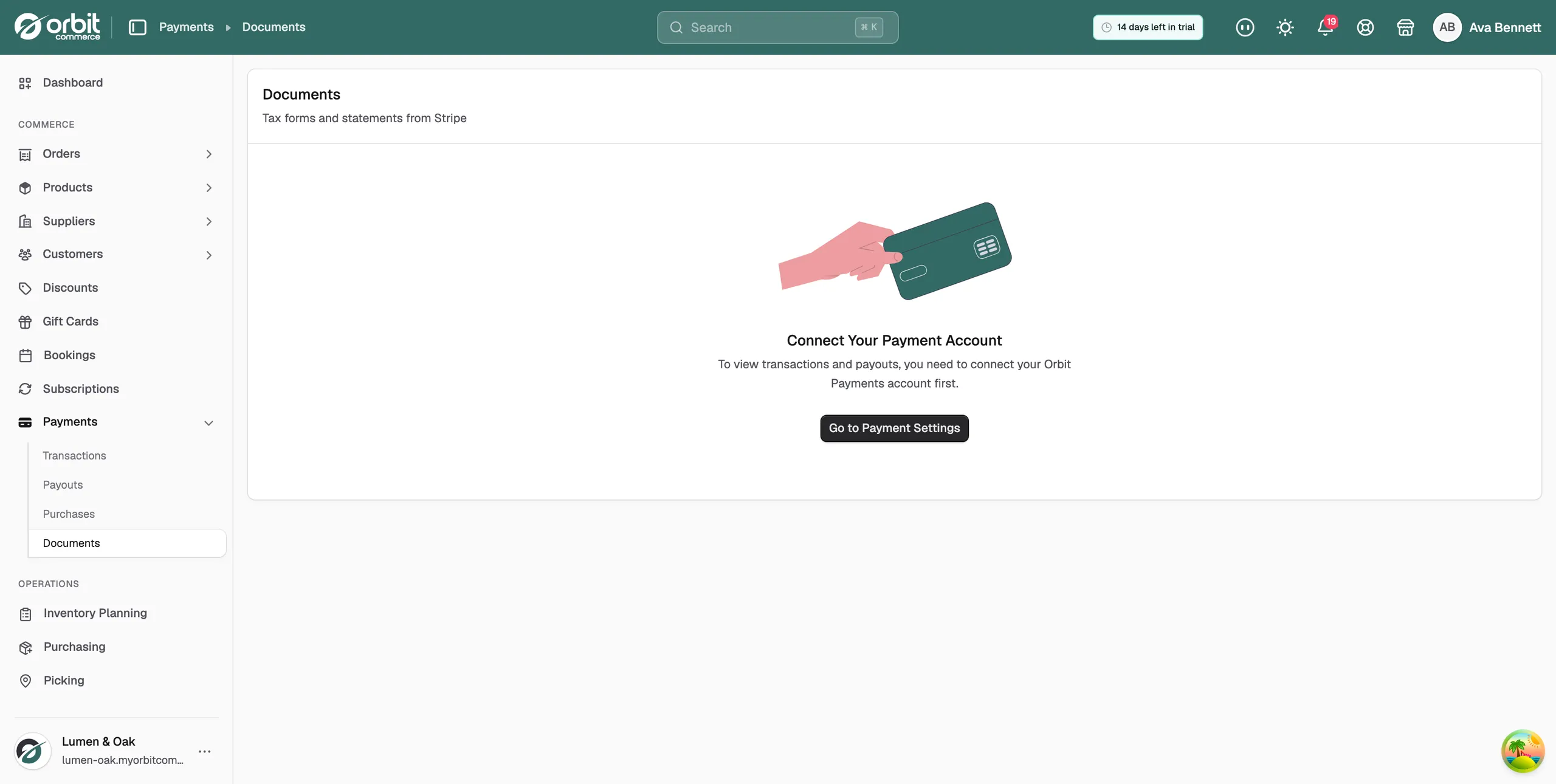
The Documents page holds the paperwork your Orbit Payments account produces: tax forms and statements from Stripe. It is the page your accountant asks about at the end of the year.
Considerations
- The page needs Orbit Payments to be connected. Until then it shows Connect Your Payment Account and a Go to Payment Settings button.
- Documents belong to the payment account, not to a person. Anyone on your team with payments access can download them.
- Documents appear here on their own as they are issued. You cannot create one yourself.
Download a document
- From your Orbit dashboard, go to Payments.
- Click Documents. The page shows Tax forms and statements from Stripe under the title.
- Find the document you need in the list.
- Select it to download it.
What you will find
- Tax forms: the forms issued for your payment activity, where the rules in your country ask for them.
- Statements: a summary of the volume processed, the fees taken and the payouts made over a period.
Tip: Documents is for account-level paperwork. For records of a single order, such as an invoice or a refund, use the Orders and Transactions pages instead.
Related guides
Was this helpful?
0 people found this helpful