Viewing your purchase history
See every theme and plugin you have bought from the marketplace, filter the list, and read what each column tells you.
The Purchase history page lists the themes and plugins you have bought from the marketplace. It is your own spending as a shop owner, not the payments your customers make. Those are on the Transactions page.
Open your purchase history
- From your Orbit dashboard, go to Payments.
- Click Purchases. The page is titled Purchase history.
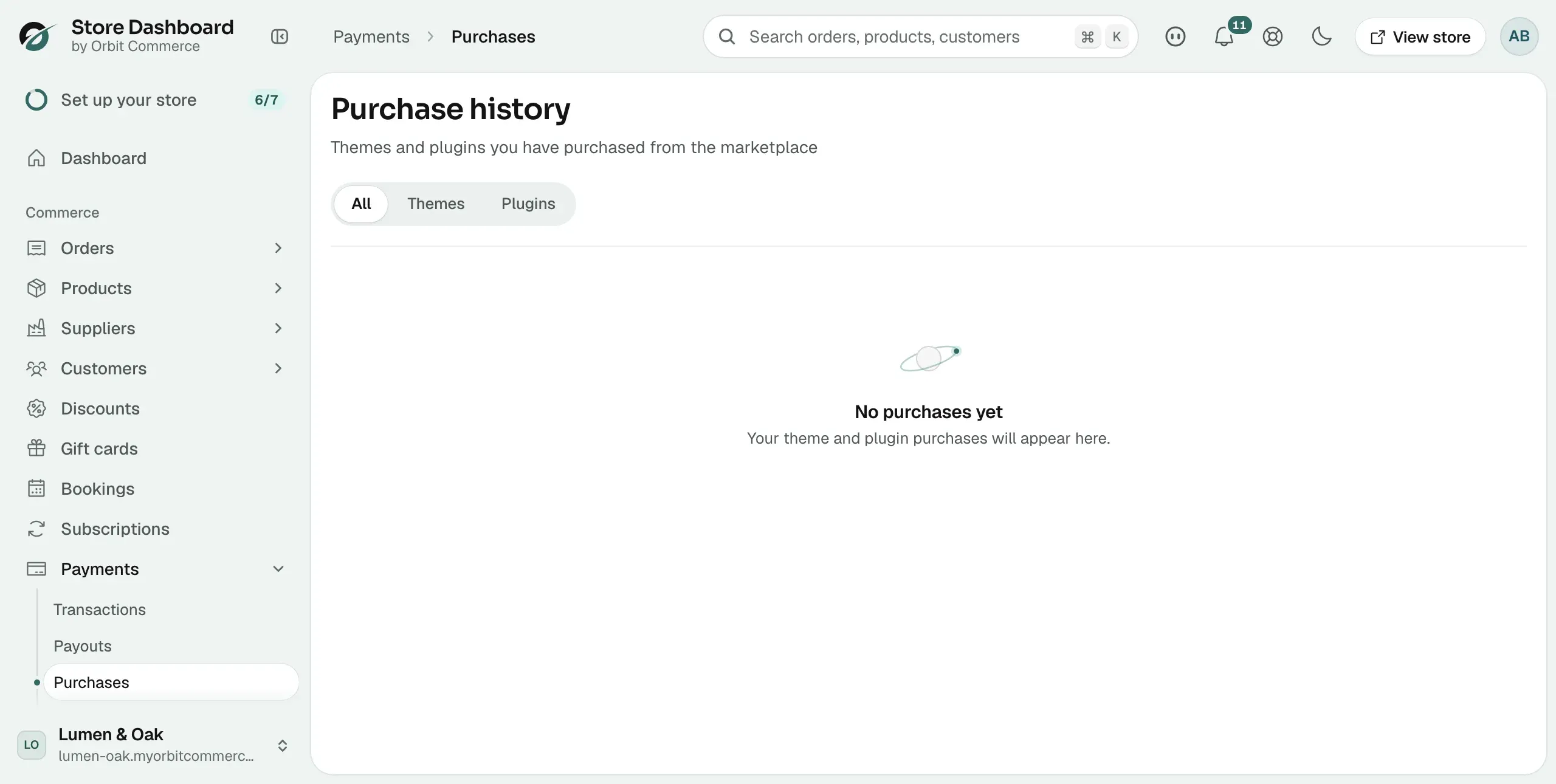
If you have not bought anything yet, the page shows No purchases yet and the line Your theme and plugin purchases will appear here.
Filter by themes or plugins
- At the top of the page, click one of the three buttons.
- All shows everything, Themes shows only themes, and Plugins shows only plugins.
- The list reloads and goes back to the first page.
What each column means
- Item: the name of the theme or plugin. Hover over it to see the start of its ID.
- Type: Theme or Plugin.
- Licence: how the item is licensed. Plugins show Monthly, Yearly or Lifetime. Themes show Single store, Agency or Unlimited.
- Amount: what you paid, in the currency of the purchase.
- Status: Active if the purchase is in force, Refunded if the money was returned, Expired if the licence has run out.
- Date: the day you bought it.
Move through a long list
Ten purchases are shown at a time. When you have more than ten, a row appears at the bottom of the table.
- The left of the row shows which purchases you are looking at, for example Showing 1–10 of 24.
- The arrows on the right move to the previous or next page.
- Between them, Page 1 of 3 tells you where you are.
Note: If the page cannot load, it shows Unable to load purchases and a Try again button. Click it to reload the list.
Related guides
Was this helpful?
0 people found this helpful