Adding a heading
Add a Heading element, set its text and HTML tag from H1 to H6, add a link, and style it with your theme's typography or on its own.
The Heading element adds a title to a page. Use it to introduce a section and give the page a clear structure. Headings also tell search engines and screen readers how your page is organised.
Add the element
- Open the page in the page builder.
- In the toolbox on the far left, click Elements.
- Click the Basic group, or type heading in Search elements....
- Drag Heading onto the canvas and drop it where you want it.
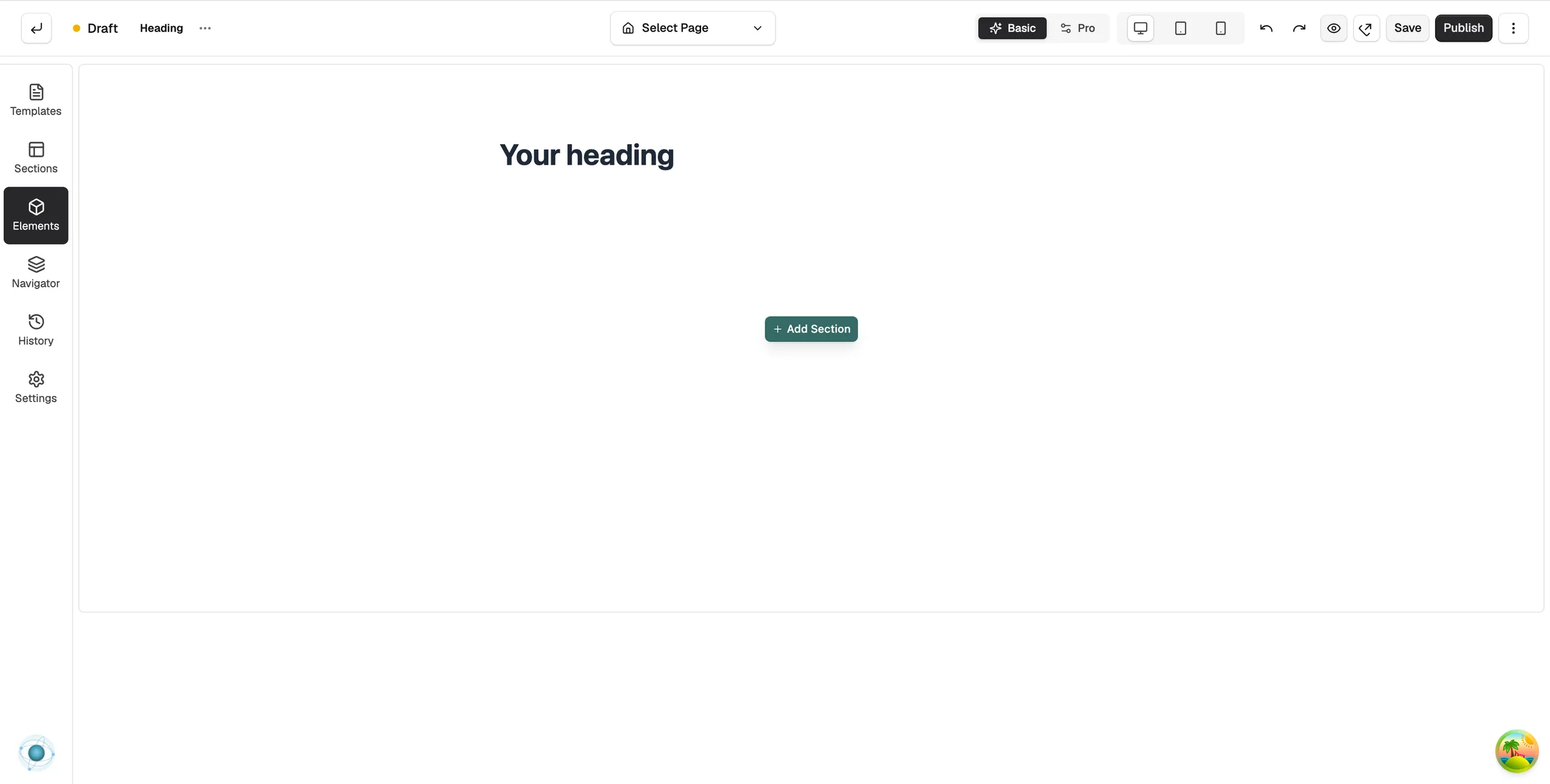
- Click the heading on the canvas. Its settings open on the right, headed Editing Heading.
- Under Heading Text, type your heading.
Content settings
Content
- Heading Text: the words shown. It starts as Your Heading.
- HTML Tag: H1 to H6. H1 is the main heading of the page, so use it once. H2 and H3 are for sections and sub-sections. Your theme sets the size for each level, so the tag also changes how the heading looks.
Link
- Link: click Click to set link. The Edit Heading Link window opens. Enter the address and choose whether it opens in a new tab.
- No Follow: tells search engines not to follow the link.
- Link Title: a short description of the link for accessibility.
Design settings
- Typography: font, size, weight and spacing. Global keeps the heading tied to your theme's style for its tag. Customize breaks that link and styles this one heading on its own.
- Opacity: Text Opacity from 0 to 100 per cent.
- Hover Effect: an Effect, such as an underline, plus a Hover Colour and a Duration.
- Accent bar: Show accent bar adds a short coloured line beside the heading. Set its Colour, Width, Thickness and Gap from heading.
For the Design and Advance tabs in full, see Using the element settings panel.
Tip: Keep Global on unless one heading really needs its own look. Then a change to your theme's typography updates every heading at once.
Related guides
Was this helpful?
0 people found this helpful