Using Live view
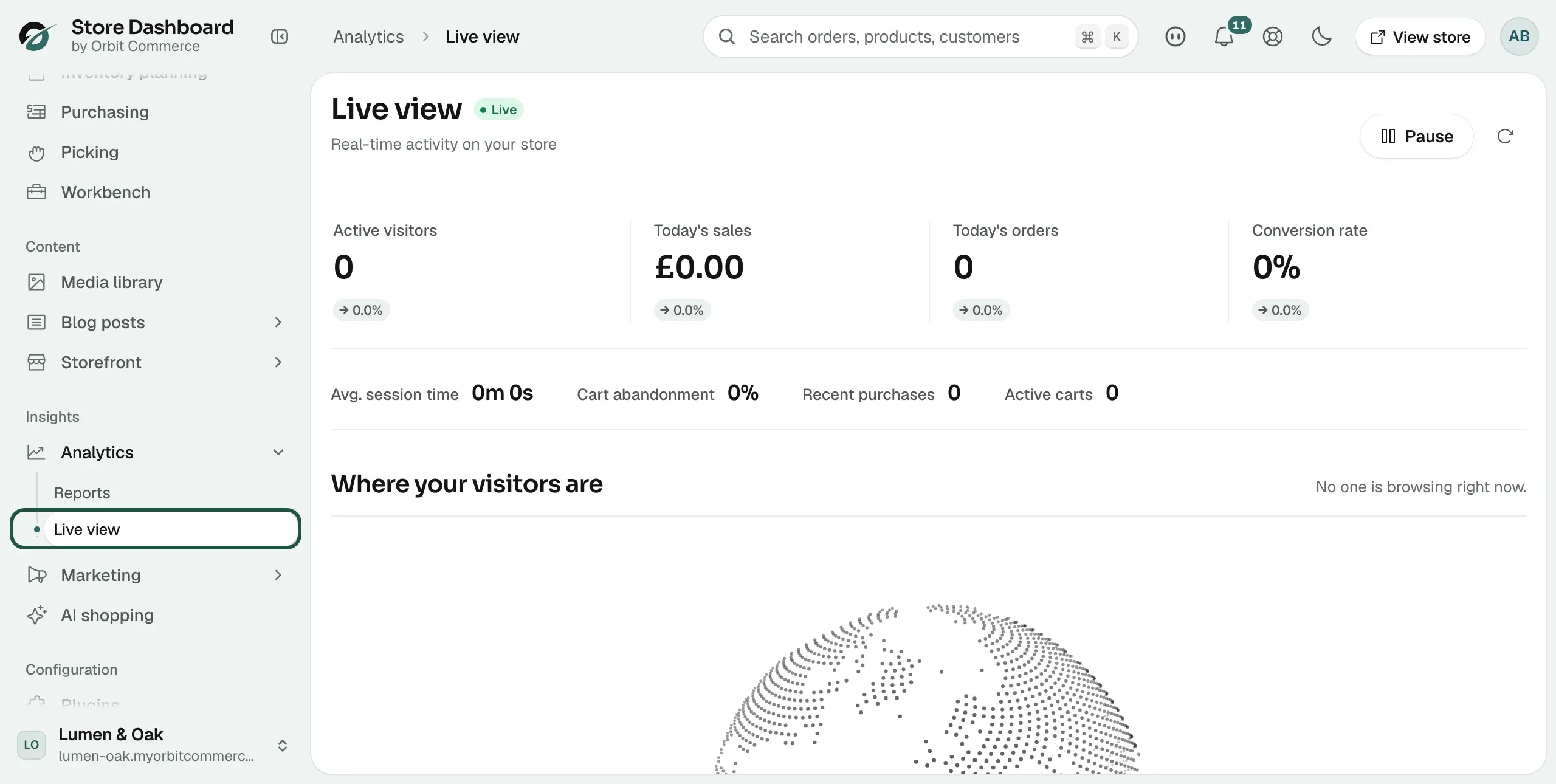
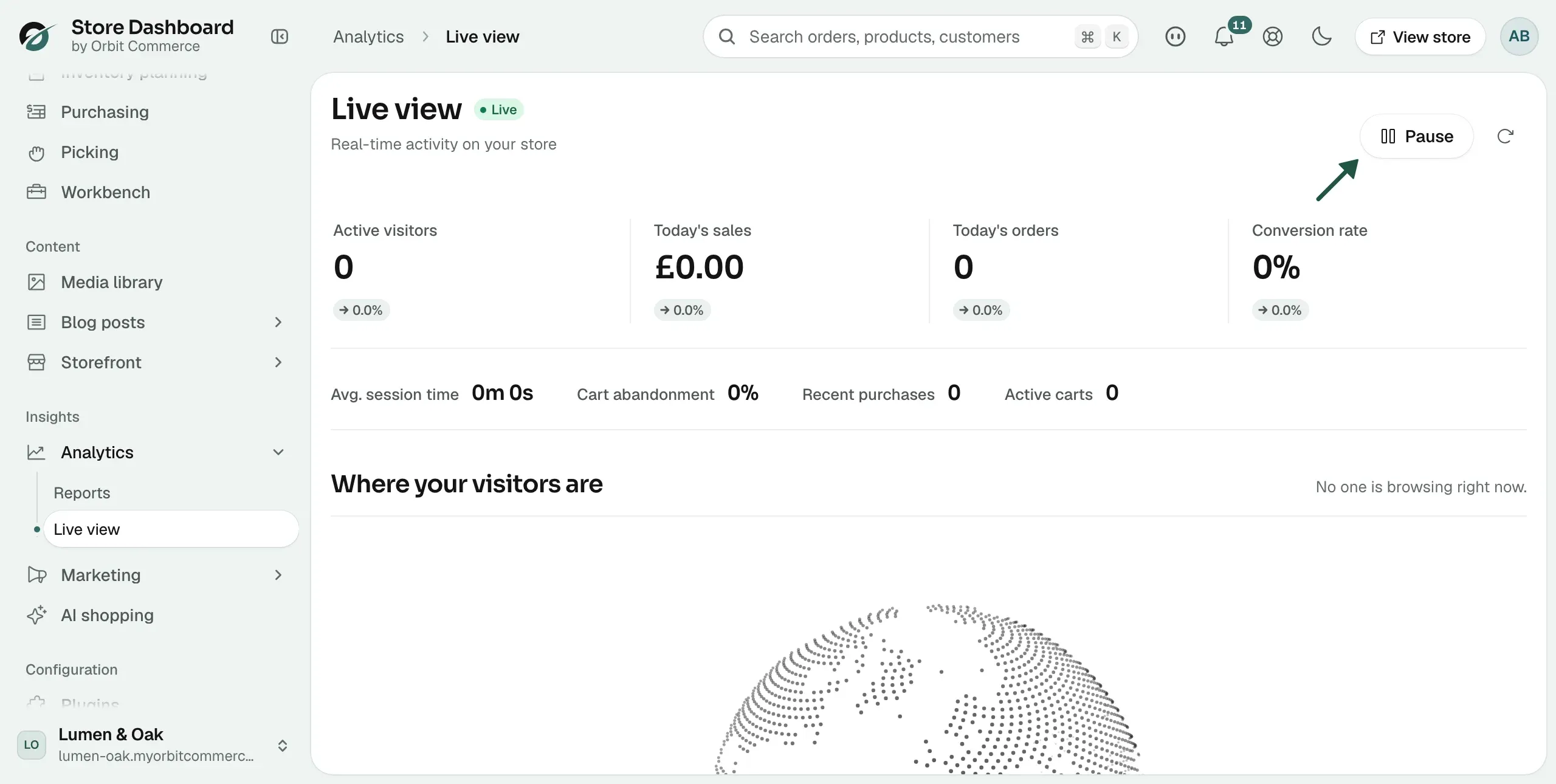
Open Live view to see visitors, carts and purchases on your store right now, read the live figures and activity feed, and pause the updates.
Live view shows what is happening on your store right now: how many people are on it, where they are, what they are looking at, and which carts and purchases are being created. Use it when you need to know about this moment rather than about a whole period.
Considerations
- Live view covers today and the last few minutes. For a period you choose, use Running and exporting a report.
- If no tracking feed is connected, the page shows a Demo data badge and the activity below it is made up.
Open Live view
- From your Orbit dashboard, go to Analytics.
- Click Live view in the submenu.
- The Live view page opens, with the subtitle Real-time activity on your store.
What the figures show
Four figures sit at the top of the page, with a Live badge beside the page title.
- Active visitors: how many people are on your store now.
- Today's sales: the value of sales taken today.
- Today's orders: how many orders were placed today.
- Conversion rate: the share of visitors who have bought.
Four smaller figures sit in a row below them.
- Avg. session time: how long visitors are spending on your store.
- Cart abandonment: the share of carts left behind.
- Recent purchases: purchases recorded in the last few minutes.
- Active carts: carts open on your store now.
See where your visitors are
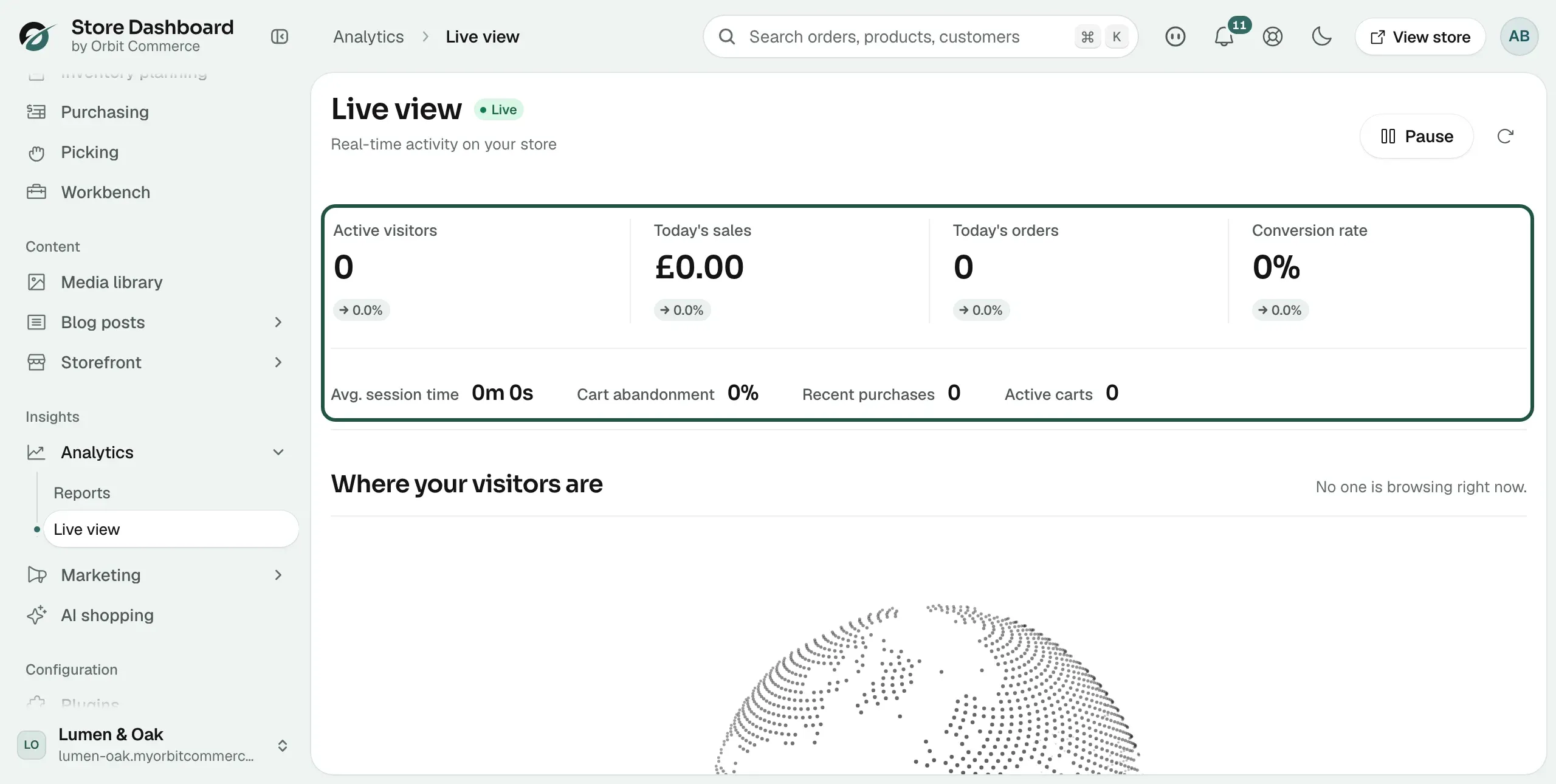
Under the figures, Where your visitors are shows a globe. Each pin is a place with someone browsing. Drag the globe to spin it. Click a pin to zoom in on it, and click anywhere to zoom back out. When nobody is on your store it reads No one is browsing right now.
Top countries and Active pages
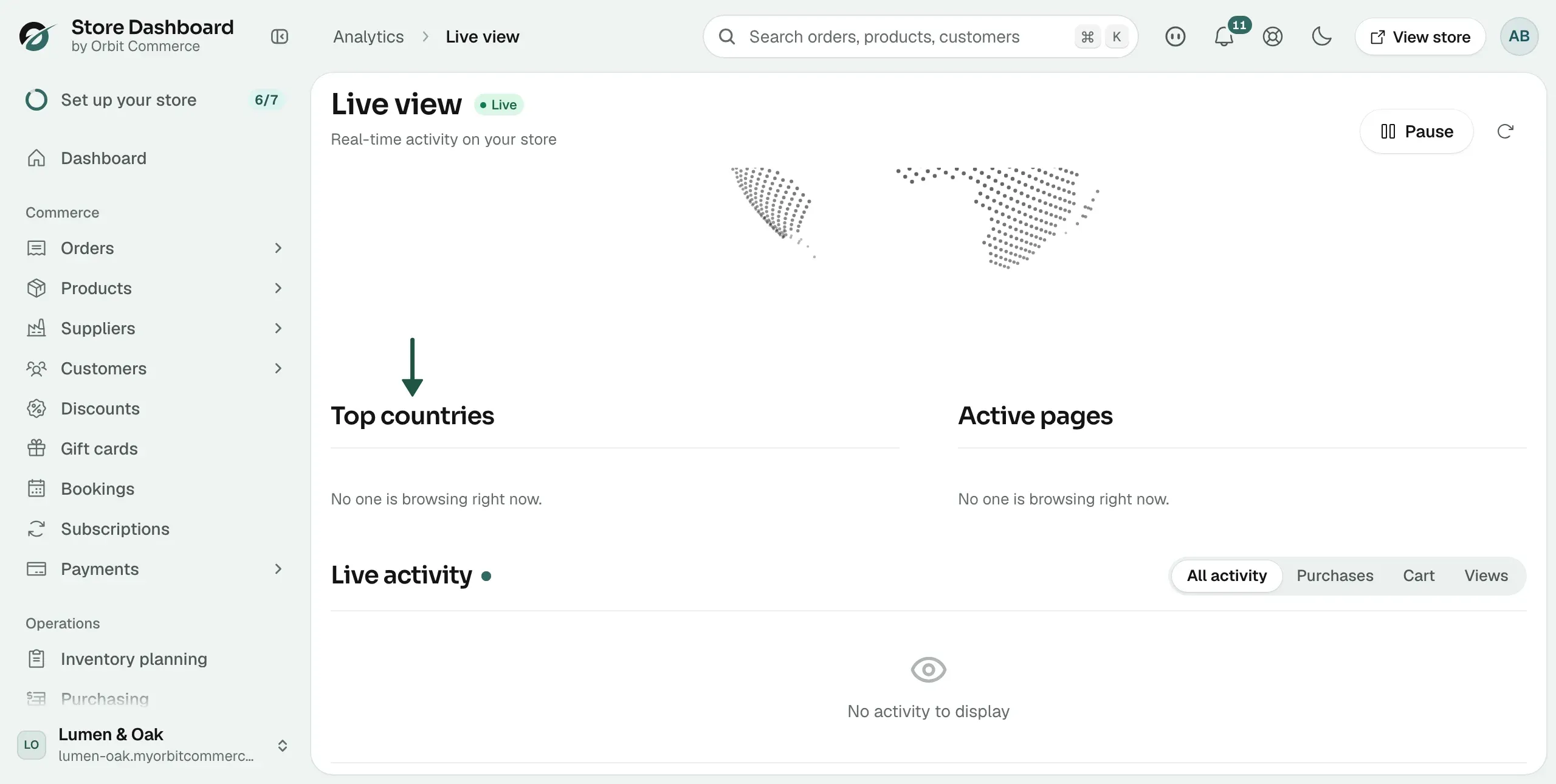
- Top countries: the countries your current visitors are browsing from.
- Active pages: the pages they are looking at.
Read the Live activity feed
- Scroll to Live activity at the foot of the page.
- Each line names what someone did and where they are, such as viewing a page, adding an item to a cart, starting checkout, searching, or completing a purchase.
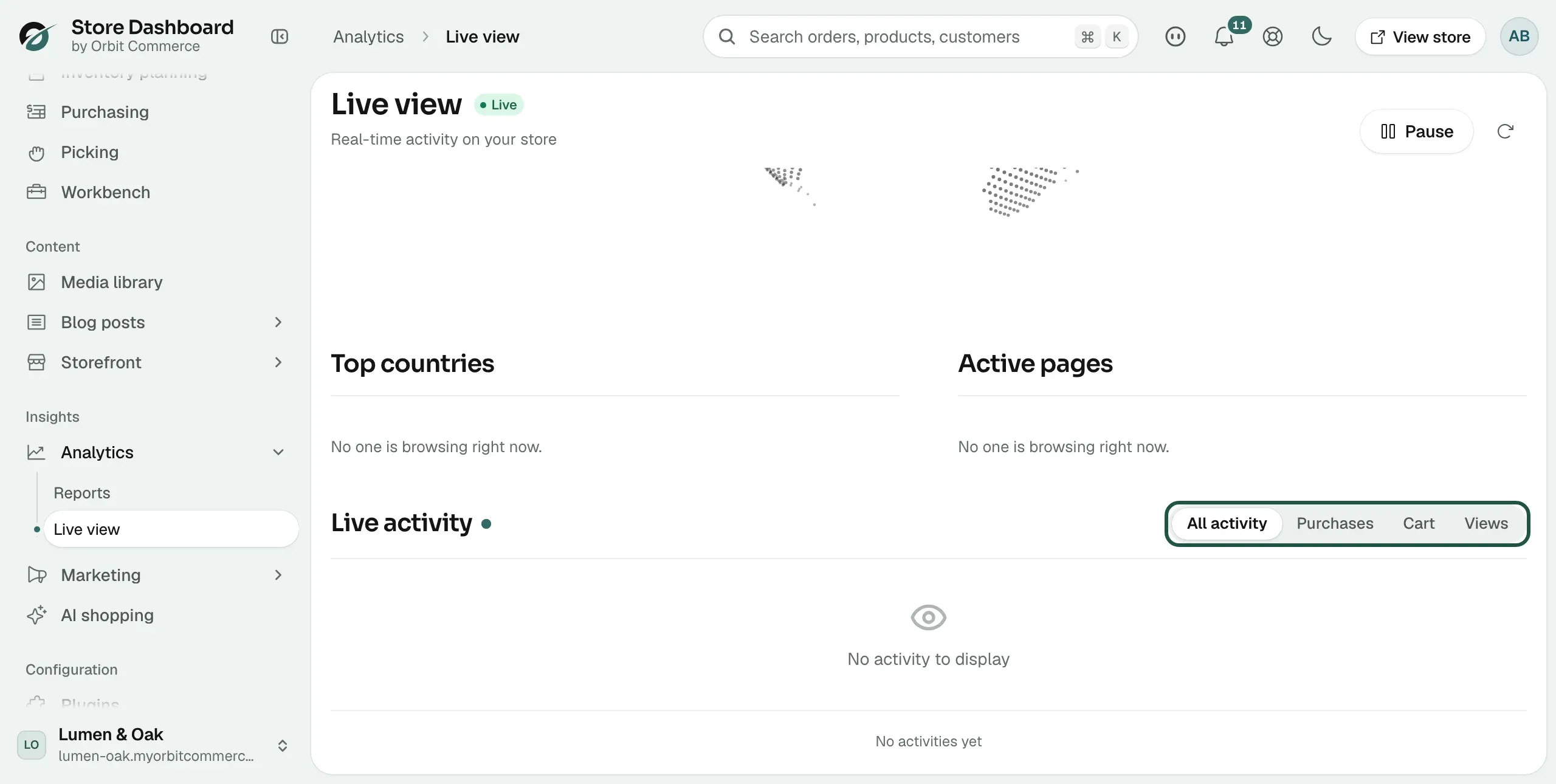
- Click a tab to narrow the feed: All activity, Purchases, Cart or Views.
- A first-time visitor is marked New. With nothing happening, the feed reads No activity to display.
Pause or refresh the feed
- At the top right of the page, click Pause to stop the page updating while you read it.
- Click Resume to start it again.
- Click the refresh icon to load the latest figures at once.
Related guides
Was this helpful?
0 people found this helpful