Getting started with the Orbit API
The base address, how to authenticate with an API key, what scopes are, the resource groups you can reach, and the rules for paging, idempotency, rate limits and errors.
The Orbit API is a REST API. You call it over HTTPS and it answers in JSON. Your own systems, such as an ERP, a warehouse system or an accounting package, can use it to read and change your store's data. This guide covers the address, how to sign requests, what scopes are, the groups of endpoints, and the rules for paging, retries, rate limits and errors. The endpoint-by-endpoint reference lives on the developer portal at developers.orbitcommerce.net.
Considerations
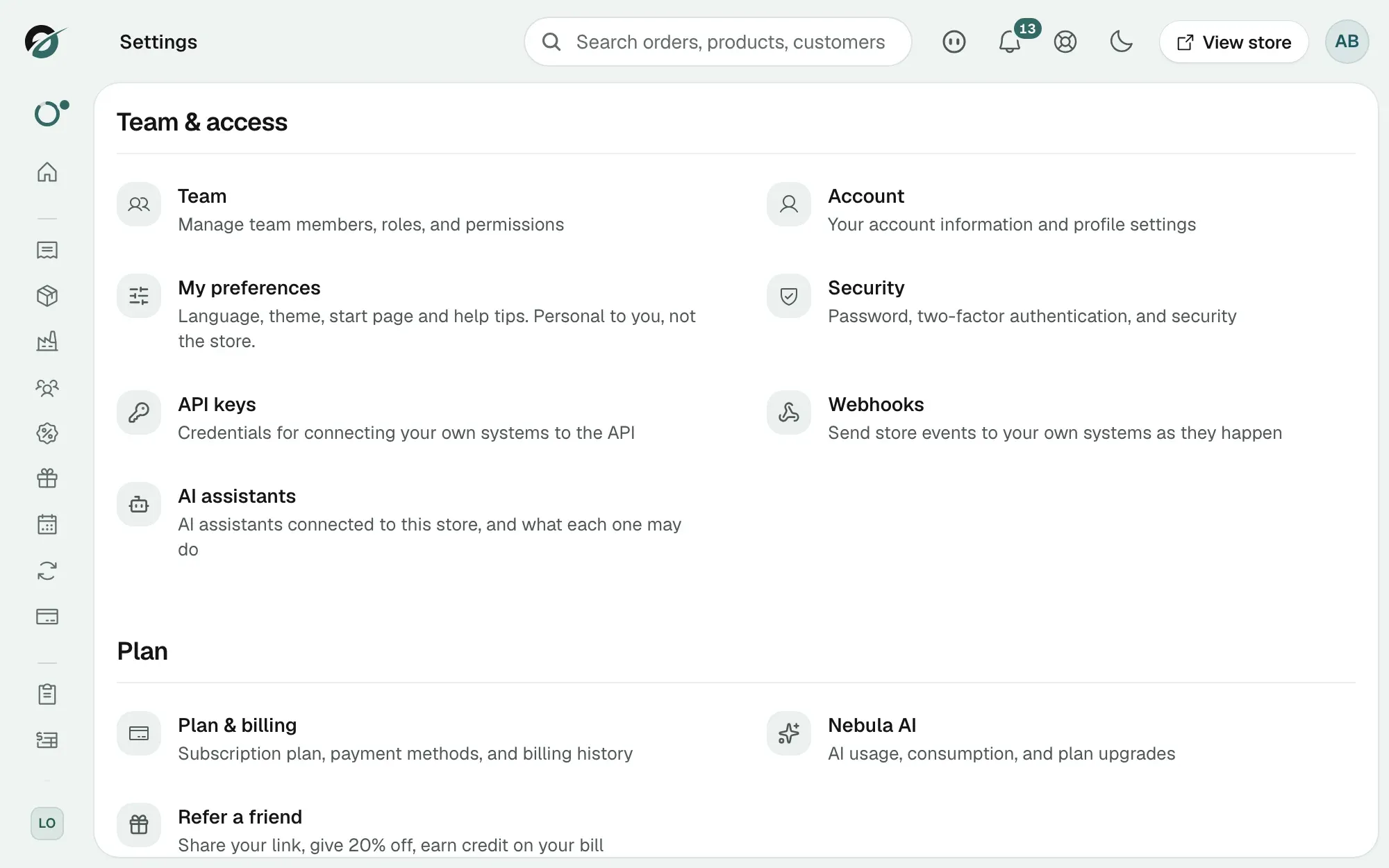
- You need a credential. For your own integration that is an API key, created under Settings, then API keys. See Creating and managing API keys.
- A store can hold at most 10 active API keys. Revoke one before creating an eleventh.
- B2B, quotes, purchase orders and picking are included in the Enterprise plan. On other plans the B2B endpoints answer reads but refuse writes, and the purchasing, picking and quotes endpoints refuse every call. See Errors below.
- Gift cards issued through the API count towards a daily cap on their total value, per store. A request over the cap is refused with a 400 and a message that explains the limit.
The base address
- Base URL:
https://api.myorbitcommerce.net/v1/. Every data endpoint sits under/v1. The plugin sign-in endpoints sit under/oauthand are not versioned. - API reference: developers.orbitcommerce.net/api-reference, built from the API's live specification. The specification itself is at
https://api.myorbitcommerce.net/v1/openapi.json, with a browsable copy at/v1/docs. - Scope catalogue: developers.orbitcommerce.net/scope-catalog, the full list of scopes.
Authenticate
Send your credential in the Authorization header on every request:
curl https://api.myorbitcommerce.net/v1/products \
  -H "Authorization: Bearer oc_sk_your_key_here"
Orbit accepts three kinds of credential:
- API key: starts with
oc_sk_. You create it under Settings, then API keys, name it after the system that will hold it, and tick the scopes it needs. Orbit shows the key once and keeps only a fingerprint. A key lasts until you revoke it, unless you set an expiry date. Revoking takes effect on the key's next request. - Plugin token: what a plugin installed on your store uses. It is an OAuth access token that lasts 1 hour, with a refresh token that lasts 90 days and is swapped at
POST /oauth/token/refresh. You only meet this if you build a plugin. - AI assistant connection: starts with
mcp_at_. Orbit issues it when you connect an assistant under Settings, then AI assistants. See Connecting an AI assistant to your store.
A missing, wrong, expired or revoked credential gets a 401 with the message Invalid or expired token. Orbit gives the same message in every case on purpose.
Scopes
A scope is one permission on one area, written resource:action, for example product:list, order:read or customer:create. Every endpoint needs a scope, and the credential must hold it. A call without it gets a 401 with the message Missing required scopes and the scope named.
- Read scopes:
listandread. A reporting tool usually needs nothing else. - Write scopes:
create,updateanddelete, plus a few named actions such asorder:fulfillandcustomer:invite. - Plugin-only scopes:
billing,email:send,settings,notifications:createandcustomer-events:createonly work with a plugin token. An API key cannot hold them. - AI assistant-only scopes: pages, themes, templates, store settings, currency, domains, plugins, team, import, tracking scripts, global overlays and custom field definitions can only be granted to an AI assistant connection, where you approve each one on screen.
Tip: Give each key only the scopes its system needs, and make one key per system. You can then revoke one integration without breaking the rest.
What you can reach
The endpoints are grouped by resource. The reference lists every group with its paths and fields.
- Catalogue: Products, Categories, Brands, Tags, Taxonomies, Custom Fields, Media, Import, AI.
- Stock and suppliers: Inventory, Inventory Transfers, Locations, Picking, Stock Counts, Purchasing, Suppliers.
- Selling: Orders, Carts, Abandoned Checkouts, Payments, Payouts, Returns, Gift Cards, Discounts, Campaigns, Global Overlays, Loyalty, Product Subscriptions, Product Subscription Plans, Bookings, Quotes.
- Customers and B2B: Customers, B2B Companies, B2B Catalogues, B2B Payment Terms, B2B Invoices.
- Checkout, shipping and tax: Checkout Settings, Shipping, Couriers, Tax, Currencies, Geography.
- Content: Pages, Page Builder, Themes, Templates, Blogs, Blog Posts, Navigations, SEO.
- Store and integrations: Store, Store Settings, Settings, Domains, Team, Staff, Billing, Emails, Notifications, Analytics, Activity, Tracking Scripts, Plugins, Webhooks, MCP, Affiliate.
Paging, sorting and filters
List endpoints return a page of items and a meta block:
{
  "items": [ ... ],
  "meta": { "total": 1240, "page": 1, "limit": 50, "totalPages": 25 }
}
Control the page with query parameters. Most lists accept:
- page: the page number, starting at 1.
- limit: items per page. The default is 10 and the maximum is 500.
- sortBy and sortDir: the field to sort on and
ascordesc. The default iscreatedAt, ascending.
Many lists add their own filters. Orders, for example, take status, paymentStatus, fulfillmentStatus, customerId, dateFrom and dateTo. Where a filter takes several values, separate them with commas, such as status=completed,processing.
Retry a write safely
If your connection drops mid-request, you cannot tell whether the write landed. Send an Idempotency-Key header on any POST, PUT, PATCH or DELETE so a retry is safe.
- The key: any unique string up to 255 characters, such as a UUID. Orbit remembers it for 24 hours.
- Same key, same request: Orbit returns the first response unchanged, with the header
Idempotent-Replay: true, and does not repeat the write. - Same key, different request: refused with a 409. Use a new key.
- Same key while the first call is still running: a 409. Wait, then retry.
- Who shares a key: keys are remembered per credential, so two API keys never see each other's replies.
Requests without the header behave as normal.
Rate limits
Each credential has its own allowance: 600 read requests and 300 write requests per minute, counted separately. Every response carries three headers:
- X-RateLimit-Limit: the allowance for this kind of request.
- X-RateLimit-Remaining: how many are left in the current minute.
- X-RateLimit-Reset: when the minute resets, as a Unix timestamp.
Over the limit, Orbit answers 429 with a Retry-After header in seconds and a message naming the limit you hit. Pause until then rather than retrying at once.
Errors
Every error is JSON with statusCode, message, timestamp, path and method. Some add more fields, such as code or retryAfter.
- 400: the body or query was invalid. The message lists what was wrong.
- 401: the credential is missing, invalid, expired or revoked, or does not hold the scope.
- 403: the feature is not on your plan. The body carries a
codeofFEATURE_FROZENfor a B2B write, orFEATURE_NOT_ENTITLEDfor purchasing, picking and quotes, plus thefeaturename. - 404: nothing with that id in your store. A record that belongs to another store also answers 404.
- 409: a clash, such as a duplicate webhook subscription or an idempotency key reused for a different request.
- 429: over the rate limit.
Get events pushed to you
Rather than polling for new orders, subscribe to webhooks. Orbit posts a signed message to your address the moment an event happens. Add them under Settings, then Webhooks, or with POST /v1/webhooks using a key that holds the webhook:create scope. See Setting up webhooks and Verifying webhook signatures.
Related guides
Was this helpful?
0 people found this helpful